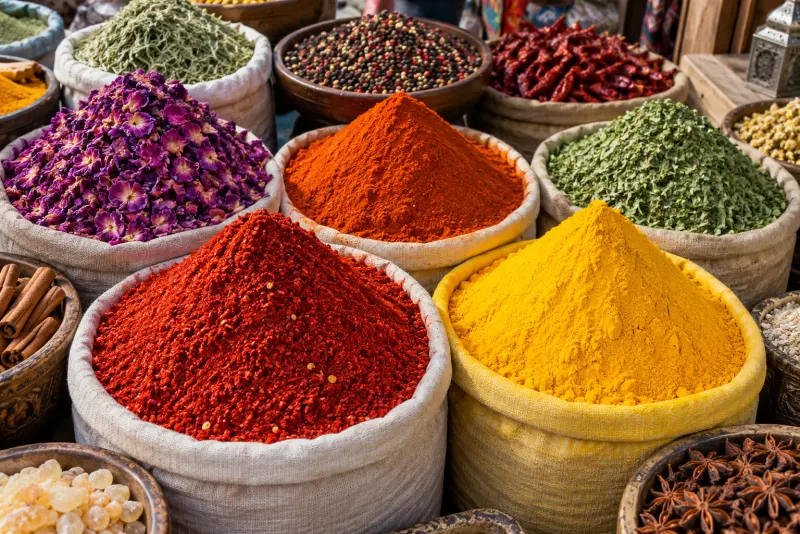


How to pick a color from an image
- Open: drop an image on the box above, choose a file, or paste a screenshot with Ctrl+V / ⌘V.
- Pick: click or tap any point; the magnifier shows the exact pixel you are sampling.
- Copy: press HEX, RGB or HSL to copy that value to your clipboard.
- Palette: use the extracted six-colour palette, or Copy CSS to get them as custom properties.
How to get the exact HEX code from a picture
Every digital image is a grid of pixels, and each pixel stores one colour as red, green and blue values from 0 to 255. A colour picker simply reads those three numbers at the point you click and writes them in the formats designers use: HEX (#D89411), RGB (rgb(216 148 17)) and HSL (hsl(40 85% 46%)). The tricky part is precision. Photos contain noise, so neighbouring pixels can differ slightly; zooming in with the magnifier and picking from a flat area gives you the most representative value. For a whole image, a palette is more useful than single pixels: this page groups similar pixels together and returns the six colours that cover the most area, ordered from most to least common. In Chrome and Edge you can also use the Pick from screen button, which uses the browser's EyeDropper to sample any colour on your display — even outside the page.
Built for real work, private by default
Brand screenshots, unreleased designs and client photos shouldn't be uploaded just to read a colour. Everything on this page happens in your browser: the image is drawn to a canvas on your device and the pixel values are read from there.
- Exact values: HEX, RGB and HSL from the original pixel, not a resized preview.
- Magnifier: see the pixel grid around your cursor before you click.
- Paste support: Ctrl+V or ⌘V a screenshot straight from the clipboard.
- Palette: six dominant colours with one-click copy and CSS export.
- Screen picker: in Chrome and Edge, sample any colour on your screen.
- Opens HEIC and AVIF too, not just JPG and PNG.
Other ways to pick colours from an image
Your operating system or design tools may already have a picker.
Windows
Microsoft PowerToys includes Color Picker: press Win + Shift + C anywhere to sample a colour and copy HEX or RGB. It is free but needs installing. Paint's Color picker tool shows RGB values in Edit colours.
Mac
The built-in Digital Color Meter app (Applications > Utilities) shows the RGB value under the cursor. Use View > Display Values > as Hexadecimal for HEX, and Shift + ⌘ + C to copy it.
Browser developer tools
In Chrome or Edge, any colour swatch in DevTools opens a picker with an eyedropper. It works well for web pages but not for an image file sitting on your disk.
Colour pickers compared
| Tool | HEX / RGB / HSL | Palette | Install needed | Uploads images? |
|---|---|---|---|---|
| This page | All three | Yes, 6 colours + CSS | No | No |
| Upload-based online pickers | Usually | Sometimes | No | Often |
| PowerToys Color Picker | HEX, RGB, HSL and more | No | Yes (Windows) | No |
| Mac Digital Color Meter | RGB, HEX | No | No (macOS) | No |
| Browser DevTools | All three | No | No | No |
HEX, RGB and HSL explained
| Format | Example | Use it for |
|---|---|---|
| HEX | #D89411 | CSS, design tools, brand guides |
| RGB | rgb(216 148 17) | CSS, code, image editing |
| HSL | hsl(40 85% 46%) | Making lighter or darker variants by changing one number |
All three describe the same colour. HSL is handy for building a scale: keep the hue, adjust lightness to get tints and shades. For checking text contrast against your picked colour, the swatches on this page switch between dark and light text automatically, which is a quick visual check.
A new palette every day
Below the picker you'll find today's palette — five harmonious colours generated for the date, the same for everyone. Copy it, share it, and come back tomorrow to keep your streak going. The archive lets you browse previous days.
Frequently asked questions
How do I find the HEX code of a colour in an image?
Open the image on this page and click the colour. The HEX code appears at once; press it to copy.
Can I pick a colour from a screenshot?
Yes. Take a screenshot, then paste it here with Ctrl+V or ⌘V, or drop the saved file onto the box.
Is my image uploaded?
No. The image is read and analysed in your browser only.
How is the palette chosen?
Pixels are grouped by similarity and the six groups covering the largest share of the image become the palette, ordered from most to least common.
Why doesn't Pick from screen appear?
It uses the EyeDropper API, available in Chrome and Edge 95+ on desktop. Safari and Firefox don't support it yet; clicking inside the image works everywhere.
Does it work on iPhone and Android?
Yes. Tap Choose image, pick a photo, then tap the point you want. The magnifier helps on small screens.
Updated · By the imagetojpg.app team