How to make a US visa photo at home
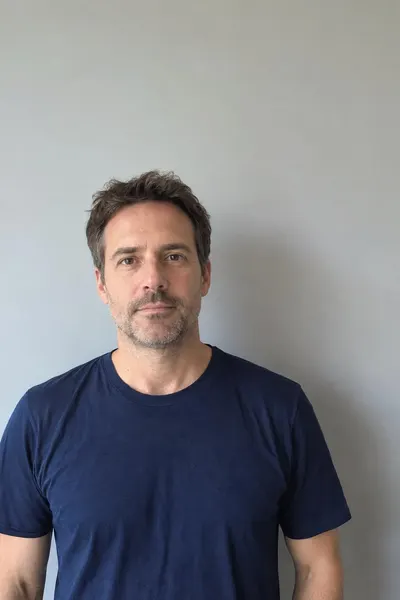
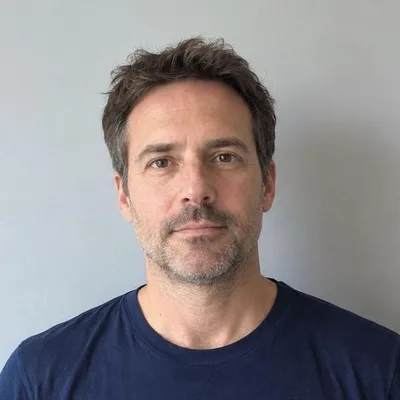
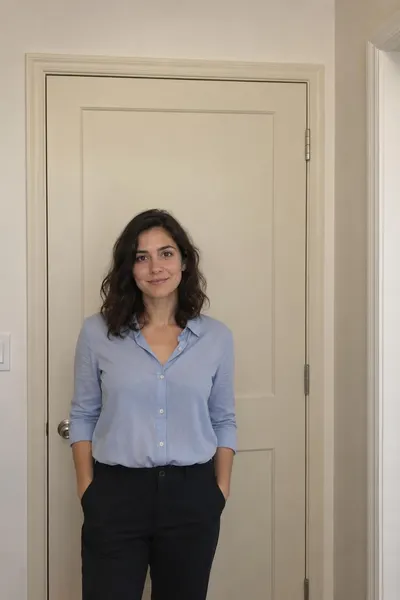
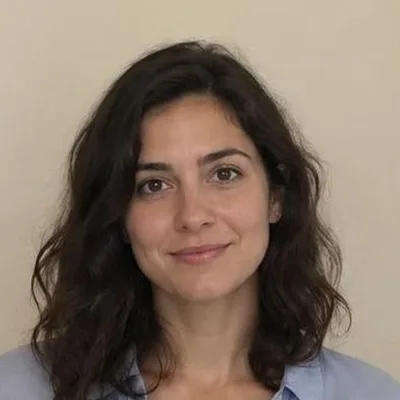
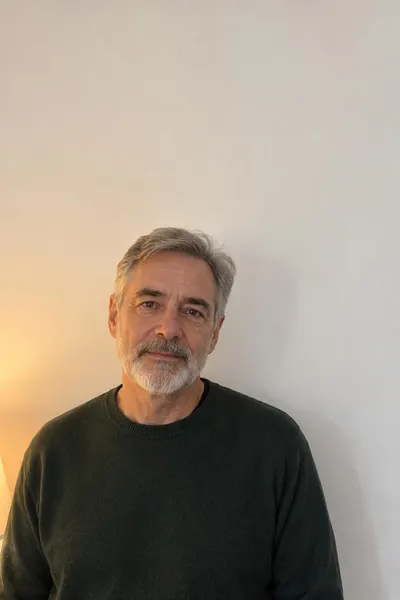
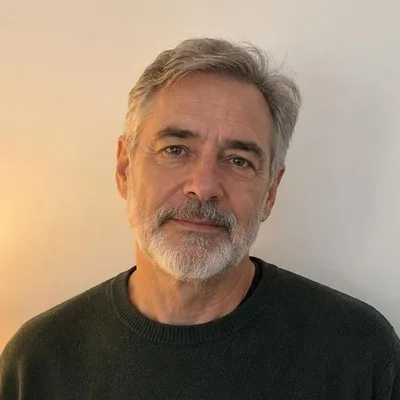
- Take the photo: stand 1–2 ft in front of a plain white wall, face a window, look straight at the camera with a neutral face, no glasses. Ask someone else to shoot from 4 ft away at eye level.
- Open it above: choose a file, drop it on the box or paste it. HEIC photos from an iPhone work too.
- Tap the top of the head (hair included), then the chin. The tool sizes the head to 60% of the frame and centres it.
- Check the list: head size, background brightness, sharpness and file size turn green when they pass. Drag or zoom to fine-tune.
- Download the 600 × 600 JPG for DS-160, the DV lottery or an online passport renewal, or the 4×6 sheet with six 2×2 photos to print.
What size is a US visa photo?
The US Department of State uses one photo standard for passports, visas and the Diversity Visa lottery. A printed photo is 2 × 2 inches (51 × 51 mm). The head, measured from the bottom of the chin to the top of the hair, must be 1 to 1 3/8 inches (25–35 mm), which is 50–69% of the photo height, and the eyes should sit 1 1/8 to 1 3/8 inches from the bottom. A digital photo for the DS-160 form or the DV entry must be square, between 600 × 600 and 1200 × 1200 pixels, a JPEG file of 240 kB or less, in 24-bit colour. Beyond size, the photo has to be in colour, taken in the last six months, against a plain white or off-white background, with a neutral expression, both eyes open and no glasses. Head coverings are allowed only for religious or medical reasons. This tool handles the measurable rules for you and lists the rest so you can check them before you submit.
What the tool checks — and what it can't
Most rejections come from a few measurable problems: the head is too small or cut off, the background is grey, or the file is too large. The tool checks those as you adjust the crop:
- Head size: from your two taps it computes the head height as a share of the frame and warns below 50% or above 69%.
- Background: it reads the two upper corners of the crop and flags a background that is too dark, coloured or uneven.
- Sharpness: it warns when the crop has fewer source pixels than 600 × 600, which would mean upscaling.
- File: the JPEG is exactly 600 × 600 and re-encoded at the highest quality that stays under 240 kB.
Expression, glasses, shadows on the face, hair covering the eyes and how recent the photo is are judgement calls the State Department makes from the image. Check those yourself against the list under the tool.
DV lottery photo requirements
The Diversity Visa (green card lottery) entry at dvprogram.state.gov uses the same digital photo standard as DS-160, and the photo is the most common reason entries are disqualified. The entry period usually runs for about a month from early October to early November; check the official instructions for this year's dates.
- Format: JPEG (.jpg), square, 600 × 600 to 1200 × 1200 pixels, 240 kB or less, 24-bit colour.
- Scanned prints: a 2 × 2 in photo scanned at 300 dpi gives 600 × 600 px; crop the scan to the photo edge.
- Recent: taken within the last six months. A photo reused from an earlier DV entry is grounds for disqualification.
- Everyone needs one: the principal applicant, the spouse and every unmarried child under 21 listed on the entry each need their own photo, even if they will not immigrate.
- No editing: no filters, no retouching, no digital background replacement. Cropping and resizing are fine.
- Plain white or off-white background, face centred, neutral expression, eyes open, no glasses.
The DV system validates the photo when you upload it and rejects files that are the wrong size or format. Passing that upload check does not guarantee the photo will be accepted later, so make sure the face and background rules are met as well.
Printing 2×2 photos for a passport application
Paper applications (DS-11 for a first passport, DS-82 for renewal by mail) need one printed 2 × 2 photo. Use Download 4×6 print sheet: it saves a 6 × 4 in JPEG at 300 dpi with six 2 × 2 photos and cut lines.
- Upload the sheet to a photo kiosk or online order at a drugstore or supermarket and print it as a standard 4×6 photo, usually well under a dollar.
- Choose matte or glossy photo paper, not plain paper. Turn off any "fit" or "crop" option so the print is not scaled.
- Cut one photo along the lines and check it with a ruler: it should measure exactly 2 × 2 inches.
Renewing online through the State Department's Online Passport Renewal? It asks for a digital photo instead — use the 600 × 600 JPG.
US photo tools compared
| Option | Price | Uploads your photo? | Checks shown | Print sheet |
|---|---|---|---|---|
| This page | Free, no watermark | No — runs in your browser | Head size, background, sharpness, file size | Yes, 4×6 with six photos |
| Visafoto | About $7–8 per photo | Yes | Automatic, after paying | Yes, after paying |
| Passport-photo.online | About $17–20 | Yes (app or web) | Automatic + human review | Yes, after paying |
| IDPhoto4You | Free | Yes | None — manual crop | Yes |
| Pharmacy or post office | About $15–17 for two prints | In person | Staff judgement | Two prints, no digital file |
Prices are what each service listed in October 2026 and can change. Paid services add background removal and human review; if your photo already has a plain white background, you do not need them.
Tips for a photo that passes
- Light: face a window or lamp so light falls evenly on your face; avoid overhead light that casts shadows under the eyes.
- Distance: have someone else take it from about 4 ft away. Selfies at arm's length distort the face.
- Background: a white door or wall; stand 1–2 ft in front of it so your shadow falls behind you, not beside your head.
- Framing: include your shoulders and some space above your hair — the tool needs room to crop.
- Clothing: avoid white tops against a white wall and anything that looks like a uniform.
- Glasses off, hair away from the eyes, mouth closed, both eyes open.
Frequently asked questions
Is the US visa photo size the same as the passport photo size?
Yes. Passports, visas and the DV lottery all use 2 × 2 inches for prints and a square 600 × 600 to 1200 × 1200 px JPEG for digital submission.
What is the maximum file size for a DS-160 or DV photo?
240 kB. This tool re-encodes the 600 × 600 JPEG at the highest quality that stays under that limit, typically 60–150 kB.
Can I take my US passport photo with my phone?
Yes. Ask someone to take it from about 4 ft away against a white wall in even light, then open it here to crop and check it.
Can I wear glasses in a US visa photo?
No. Glasses have not been allowed since November 2016, except with a signed medical statement.
Is my photo uploaded?
No. Cropping, checking and JPEG encoding all happen in your browser; the image never leaves your device.
Does the background have to be pure white?
White or off-white, plain and without shadows or patterns. A light grey wall may be rejected; the background check turns orange when it looks too grey.
Can I use the same photo for my passport and the DV lottery?
Yes, if it was taken within the last six months. Don't reuse the photo from a previous year's DV entry.
Does a baby need a photo for the DV lottery?
Yes. Every child listed on the entry, including infants, needs their own photo with eyes open, without anyone else in the frame.
Updated · By the imagetojpg.app team