How to compress a photo to 200 KB
- Open: drop one or more photos on the box, tap Choose images, or paste. iPhone HEIC is converted automatically.
- Keep 200 KB, or type the exact limit your site gives (for example 240 for a US visa photo).
- Compare: drag the divider over fine detail — hair, text, foliage — or zoom to 100%.
- Download the JPG, or all of them as a ZIP.
200 KB: the size where compression stops showing
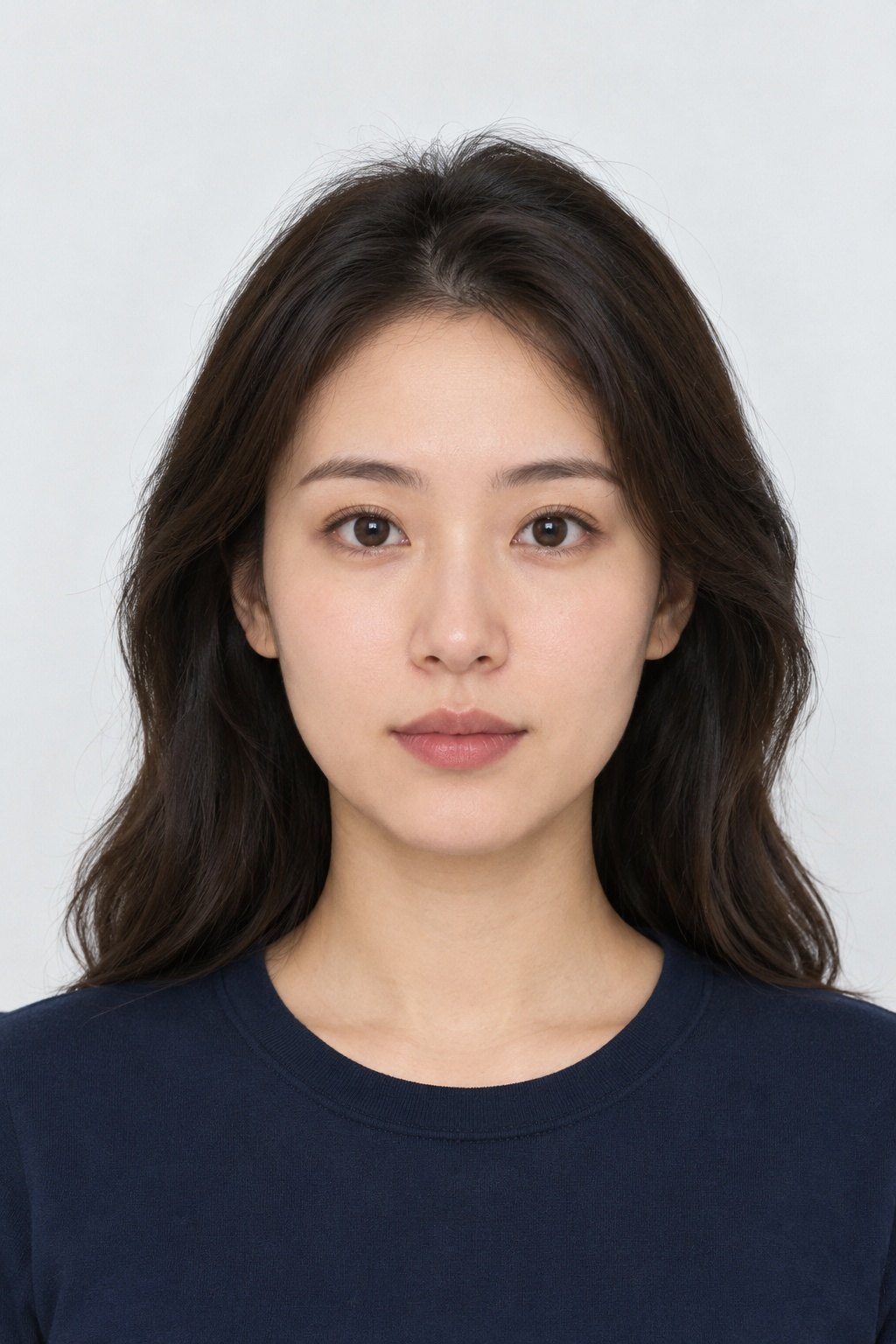
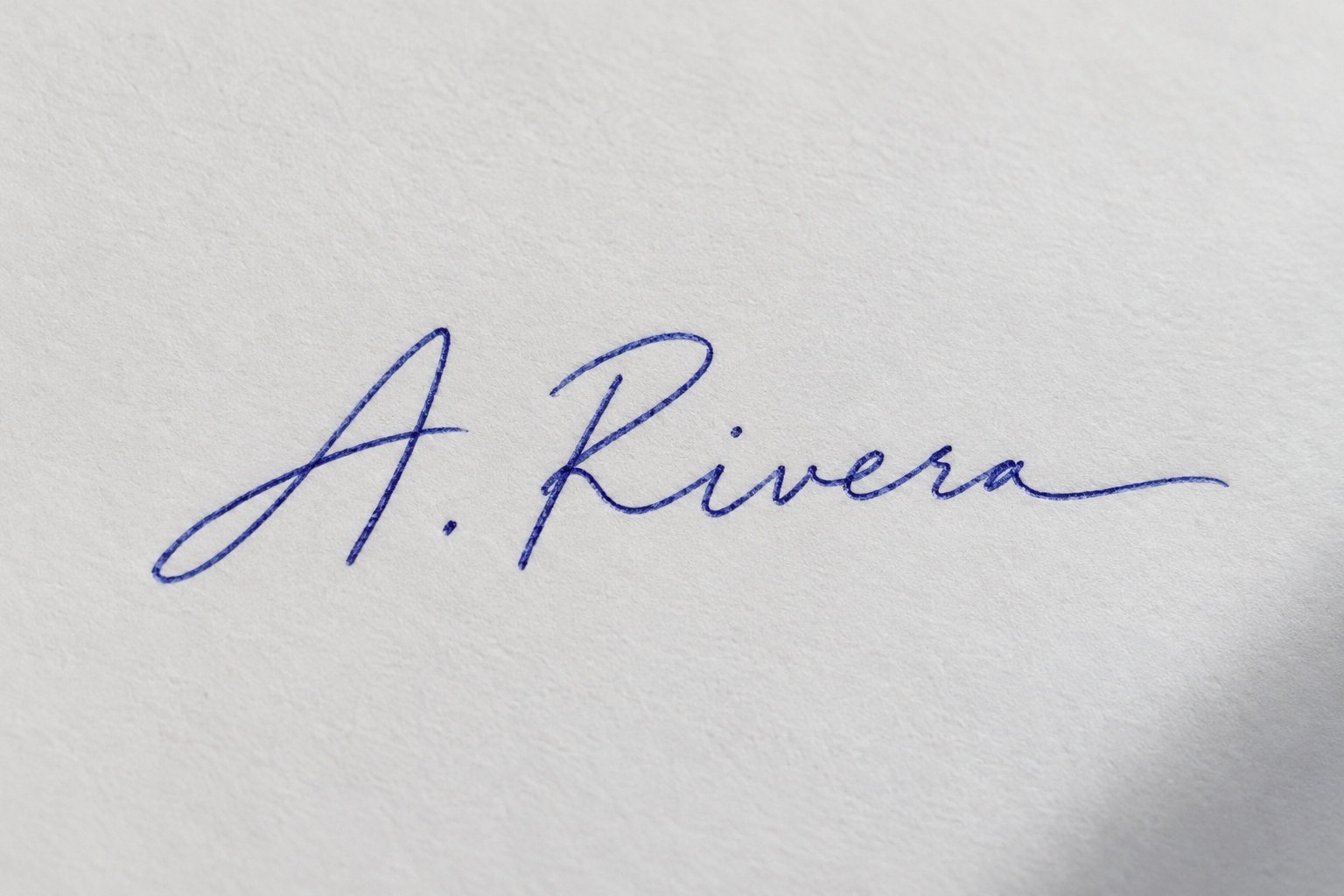
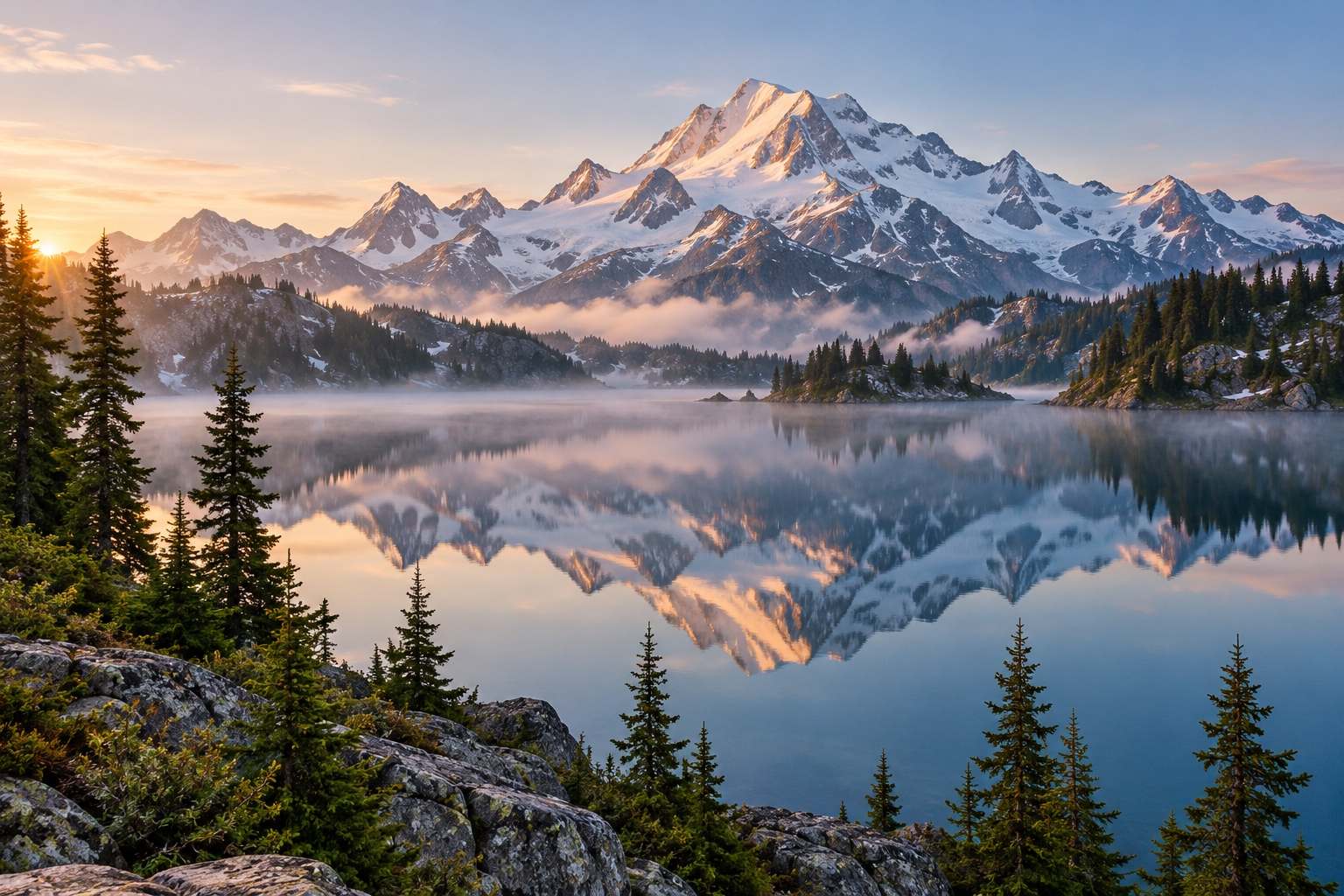
At 200 KB a JPEG has room for full resolution at quality most people can't tell from the original, as long as the image is around 1–1.5 megapixels. In our tests a 1024×1536 headshot fitted at quality 86 (194 KB) and a 1536×1024 signature at 87 — visually identical to the 400 KB originals. A landscape full of fine texture fitted at full size too, at quality 61, where you'd only spot softening in the ripples at 100% zoom. The tool always tries quality 95 first, so smaller images that already fit stay at the top quality, and a JPG that is already under 200 KB is kept as it is, not re-saved. Larger phone photos (12 MP) are scaled to about 1300–1800 px so quality stays above 60. If a site asks for a minimum pixel size as well — for example 600×600 for a US visa photo — check the pixels shown under the preview.
Where 200 KB is the right pick
| Use | Limit | What to pick |
|---|---|---|
| US visa photo (DS-160, DV lottery) | 240 kB, 600×600–1200×1200 px | 200 KB — or our visa photo tool, which crops and checks it |
| Job portals and college applications | 200 KB – 1 MB | 200 KB |
| Portfolio and website images | As small as looks good | 200 KB for a 1500–2000 px image |
| Marketplace listings and classifieds | Often 1–5 MB | 200 KB keeps pages fast |
| Email signatures and newsletters | Lighter is better | Usually far smaller — try 50 KB |
Check sharpness before you send
- Drag the divider across the area that matters most: eyes in a portrait, text on a product, the horizon in a landscape.
- Switch the preview to 100% to see real pixels; at screen size almost every 200 KB photo looks the same as the original.
- Quality 80+ is visually lossless for nearly all photos; 60–80 shows only in fine, repeating texture.
- If the result was scaled and you need full size, try a higher target such as 300 or 500 KB on our Compress JPG page.
200 KB vs 100 KB on the same photos
| Photo (original size) | 100 KB | 200 KB |
|---|---|---|
| Headshot, 1024×1536 (402 KB) | Full size, quality 67 | Full size, quality 86 |
| Signature on paper, 1536×1024 (360 KB) | Full size, quality 68 | Full size, quality 87 |
| Landscape, 1536×1024 (701 KB) | 966×644, quality 67 | Full size, quality 61 |
Frequently asked questions
How do I compress a photo to 200 KB?
Open it on this page; 200 KB is selected. Compare with the slider and download — the file is at most 200,000 bytes.
Will a 200 KB photo lose quality?
Barely. Photos up to about 1.5 megapixels usually keep full size at quality 60–90, which is hard to tell from the original at normal viewing size.
How do I reduce a 5 MB photo to 200 KB?
Open it here. A 12-megapixel photo is scaled to roughly 1300–1800 px on the long side and saved at the highest quality under 200 KB.
Is 200 KB small enough for a US visa photo?
Yes — the limit is 240 kB. The photo must also be square, 600×600 to 1200×1200 px; our US visa photo tool crops and checks that for you.
What if my file is already under 200 KB?
A JPG that's already under the limit is kept exactly as it is. PNG and HEIC files are converted to JPG.
Are my photos uploaded?
No. Compression runs in your browser; the photos never leave your device.
Updated · By the imagetojpg.app team