
How to compress an image to 100 KB
- Open: drop photos or scanned pages on the box, tap Choose images, or paste a screenshot with Ctrl/⌘+V.
- Keep 100 KB selected, or type another limit if your form says, for example, 80 KB.
- Check the size, pixels and quality under the preview, and drag the divider to compare details like text edges.
- Download the JPG, or press Download all for a ZIP when you have several documents.
What fits in 100 KB
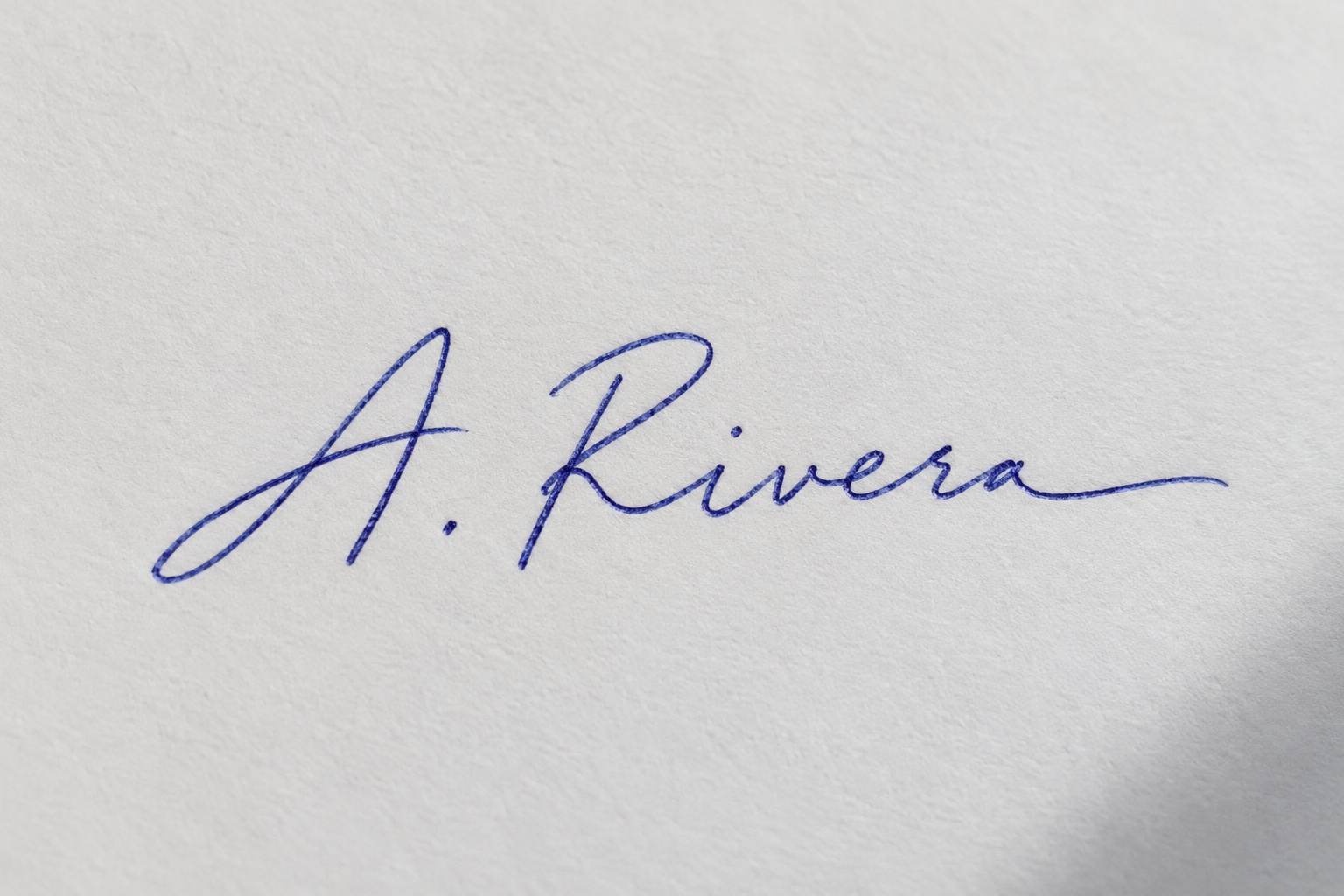
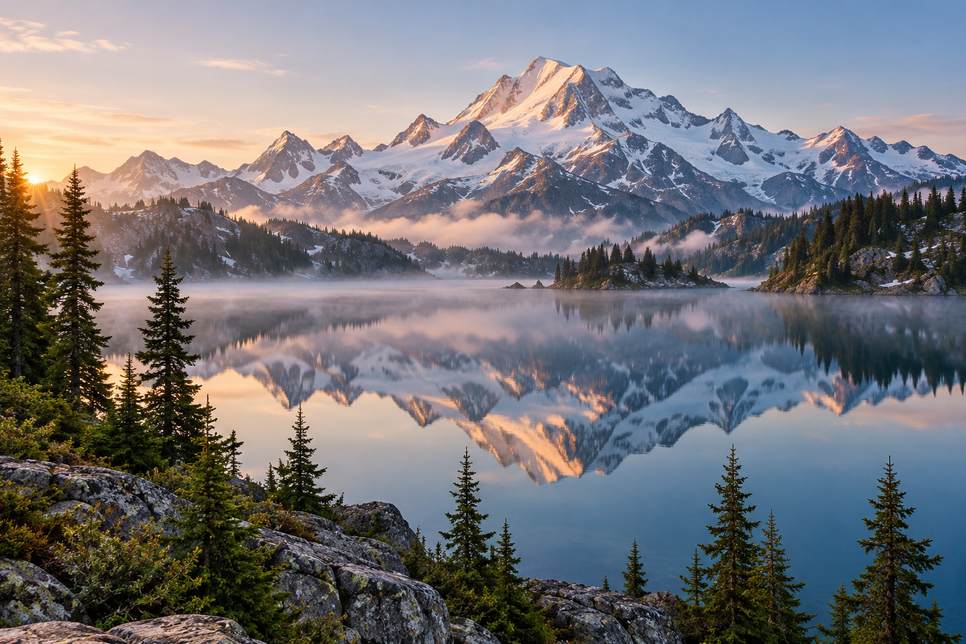
100 KB is 100,000 bytes — enough for a clean photo at about 1–1.5 megapixels, which is more than any web form displays. Whether the tool has to reduce pixels depends on how much detail the image holds, not just its size. In our tests a 1024×1536 headshot kept every pixel at quality 67 (98.3 KB), and so did a signature on paper (1536×1024, quality 68). A landscape full of water ripples and leaves, the same 1536×1024, didn't fit above quality 50, so the tool scaled it to 966×644 at quality 67 rather than letting it turn blotchy. A 12-megapixel phone photo always needs scaling for 100 KB; expect roughly 1000–1300 px on the long side. For documents, the biggest saving is cropping the dark table or desk around the page: background noise costs more bytes than the text you need.
Common 100 KB uploads
| Upload | Typical limit | Tip |
|---|---|---|
| Handwritten declaration on exam forms | 50–100 KB | Write on white paper, crop to the text |
| Scanned certificates and mark sheets | 100–300 KB | Crop the margins; one page per file |
| Profile pictures (job sites, forums, school portals) | Up to 100 KB | Square crop first |
| Photos for government service portals | Up to 100 KB | Plain background, even light |
Check your form's exact limit and any pixel requirement — they differ by portal and year.
Documents and scans at 100 KB
- Photograph or scan the page flat, in even light; shadows across a page add noise that costs bytes and hurts readability.
- Crop to the paper edge. A sliver of wooden desk around a certificate can take a quarter of the file.
- One page per image. If a form wants several pages in one file under 100 KB, it usually expects a PDF — compress each page here first, then combine.
- Check small print at 100% zoom in the preview before downloading.
100 KB vs 50 KB vs 200 KB
| Target | Landscape photo result (from 1536×1024) | Best for |
|---|---|---|
| 50 KB | 683×455 px, quality 63 | Application photos |
| 100 KB | 966×644 px, quality 67 | General uploads, documents |
| 200 KB | 1536×1024 kept, quality 61 | Photos that must stay full size |
Frequently asked questions
How do I compress an image to 100 KB?
Open it on this page; 100 KB is selected. Download the result — it's at most 100,000 bytes.
Will my photo keep its resolution at 100 KB?
Usually, for photos up to about 1.5 megapixels. Very detailed or very large photos are scaled down a little so they don't look blocky.
Can I compress a scanned document to 100 KB?
Yes. Crop to the page edges first; the text stays readable at 100 KB. The output is a JPG.
How do I reduce a 1 MB photo to 100 KB?
Open it here. The tool finds the highest quality under 100 KB and, if needed, trims the dimensions — usually to around 1000–1300 px.
Does it work with PNG and HEIC?
Yes. PNG, WebP and iPhone HEIC are converted to JPG while compressing, since JPG is far smaller for photos.
Are my files uploaded?
No. Compression runs in your browser and the files stay on your device.
Updated · By the imagetojpg.app team