How to compress a photo to 50 KB
- Crop first if the form wants a head-and-shoulders photo: the fewer background pixels, the sharper the face at 50 KB.
- Open: drop the photo on the box, tap Choose images, or paste. iPhone HEIC, PNG and WebP are converted to JPG.
- Check the label under the preview — final size, pixels and quality — and drag the divider to compare.
- Download the JPG, or several as a ZIP. Need between 20 and 50 KB? 50 KB lands just under the top of that range.
What a 50 KB photo looks like
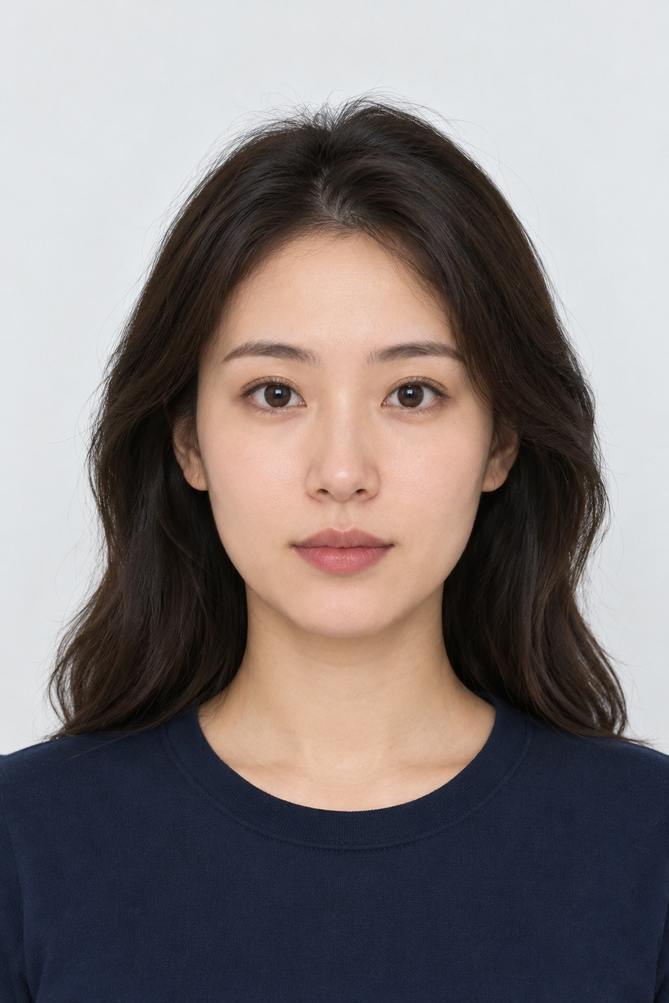
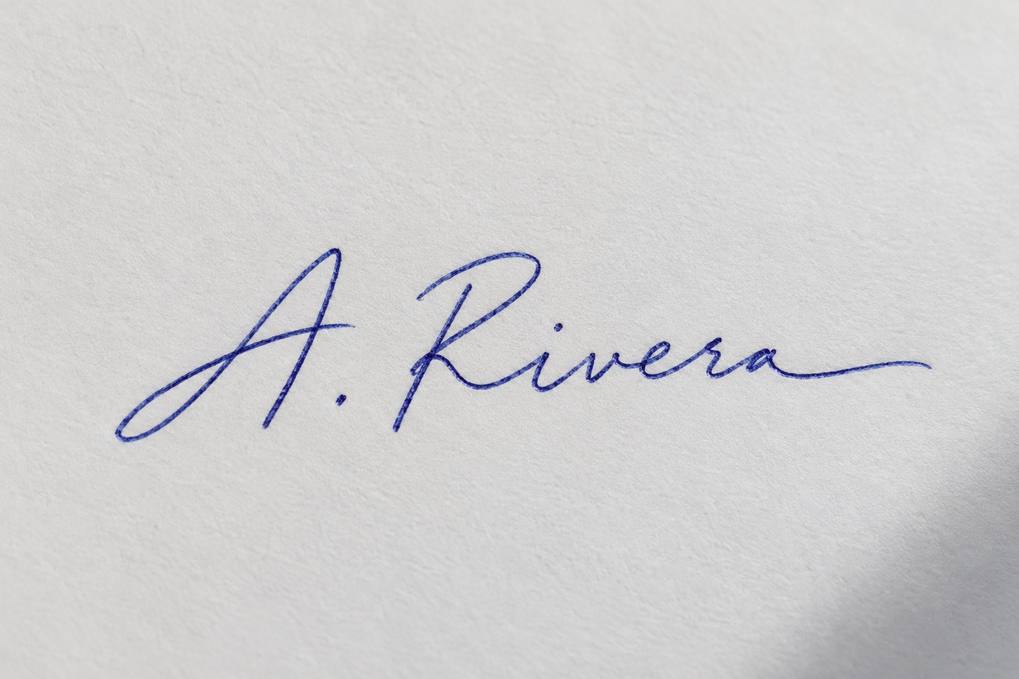
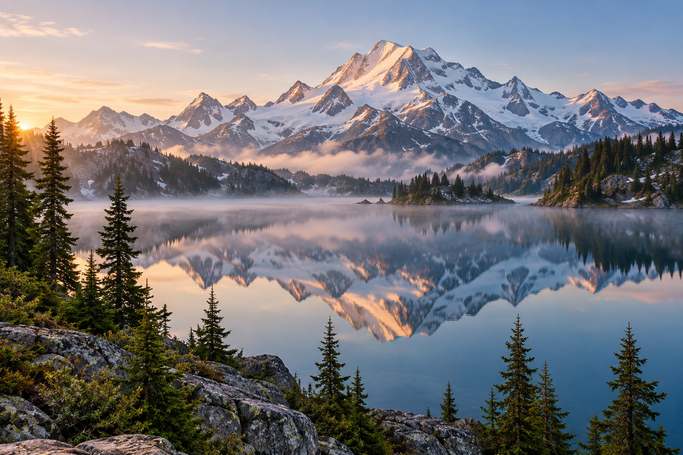
50 KB is enough for a photo that looks sharp on any screen at normal size, but not for a full 12-megapixel image. A phone photo is 2–5 MB, so it needs to lose 97–99% of its bytes. The tool first tries to do that with quality alone; when the quality would drop below 50 — the point where skin turns patchy and edges grow halos — it holds quality around 60–75 and lowers the dimensions instead. Our three test images show the trade: a headshot became 669×1003 px at quality 73, a signature 1019×679 at quality 72, and a detailed landscape with water and trees 683×455 at quality 63, because texture costs more bytes than a plain wall. For an ID or application photo that's ideal: forms that cap uploads at 50 KB typically ask for something like 200×230 to 600×600 px. A plain light background, even lighting and a tight crop are what make a 50 KB face look good.
Where 50 KB limits show up
| Form | Typical limit | Tip |
|---|---|---|
| Bank, railway and staff-selection exam photos | 20–50 KB | Pick 50 KB; crop to head and shoulders |
| University and scholarship applications | Up to 50 KB | Plain background, face filling ~70% of the height |
| Employee and student ID portals | 30–50 KB | Square crop if asked |
| Thumb impressions on exam forms | 20–50 KB | Dark ink on white paper |
Ranges vary between notices and years; check the exact numbers for your form, including any minimum size and pixel dimensions.
Make the face, not the background, use the 50 KB
- Crop tight. A 3:4 head-and-shoulders crop spends the bytes on the face; a waist-up photo with a busy room behind spends them on the room.
- Stand in front of a plain light wall. Patterned backgrounds, plants and bookshelves are the most expensive things to compress.
- Use soft daylight facing you. Shadows and noise from a dark room add grain that eats into the 50 KB.
- If the form asks for exact pixels, set them first with the resolution changer, then compress — the result keeps those pixels as long as they fit.
Same headshot at four sizes
| Target | Result | Verdict |
|---|---|---|
| 20 KB | 423×634 px, quality 71 | Fine for small exam photos |
| 50 KB | 669×1003 px, quality 73 | Sharp at any normal viewing size |
| 100 KB | 1024×1536 kept, quality 67 | Full size |
| 200 KB | 1024×1536 kept, quality 86 | Indistinguishable from the original |
Frequently asked questions
How do I compress a photo to 50 KB?
Open it on this page; 50 KB is selected. Check the preview and download — the file is guaranteed to be at most 50,000 bytes.
How do I reduce a 2 MB photo to 50 KB?
Just open it here. The tool lowers the quality to around 70 and the long side to roughly 700–1000 px, which is what a 50 KB form photo needs.
How do I get a photo between 20 KB and 50 KB?
Pick 50 KB. The result lands just under 50 KB, comfortably inside the range.
Will my photo look blurry at 50 KB?
Not at normal viewing size. The tool never drops quality below about 60 to fit; it reduces the pixel count instead, which keeps faces clean.
Can I do several photos at once?
Yes. Drop them all in, each is compressed to 50 KB, and you can download them together as a ZIP.
Are my photos uploaded?
No. Everything happens in your browser; nothing is sent to a server.
Updated · By the imagetojpg.app team