imagetojpg.app
Tools

Best Free AI Image Upscalers, Compared

“Free” often means a few credits, 2× only, a watermark or an account. Below, common upscalers compared by what you really get free — and an unlimited one to use right here.

Loading sample image…

—

or drop / paste · JPG, PNG, WebP, HEIC · batch OK

Mode
Output size

Free · no watermark · no sign-up

Runs on your device — images are never uploaded

In short

The best free AI image upscaler is the one with no catch: no credit cap, no watermark, no sign-up and a real 4K output. This page's upscaler meets all four — Real-ESRGAN runs in your browser, 2×, 4× or 4K up to 4096 px, unlimited and without uploading. Desktop apps like Upscayl are also free but need an install; most web services give a few free credits, then ask for a plan.

Three images upscaled free on this page

Real outputs of this tool on our own pictures. Same crop, same size on screen: left is the input stretched normally, right is the AI result.

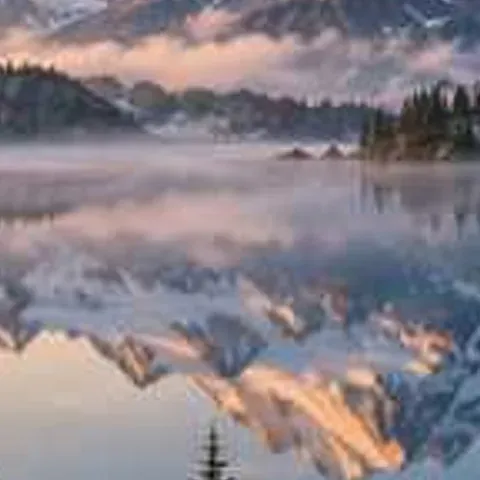
Low-res, heavily compressed landscape: inputBefore
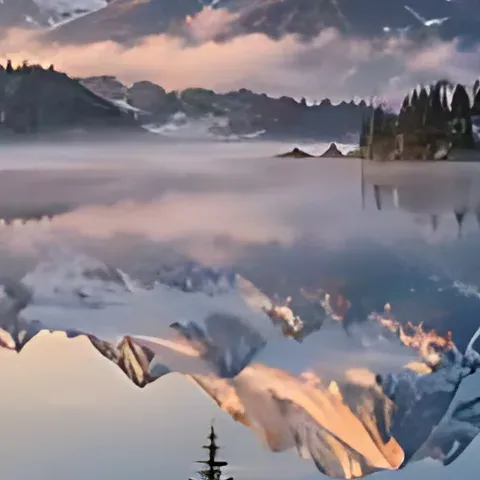
Low-res, heavily compressed landscape: AI resultAfter

Low-res, heavily compressed landscape

480 px JPEG (quality 50) → Enhance 4× → 1920 px

JPEG blocks in the sky and water are gone; the shoreline and trees get crisp edges.

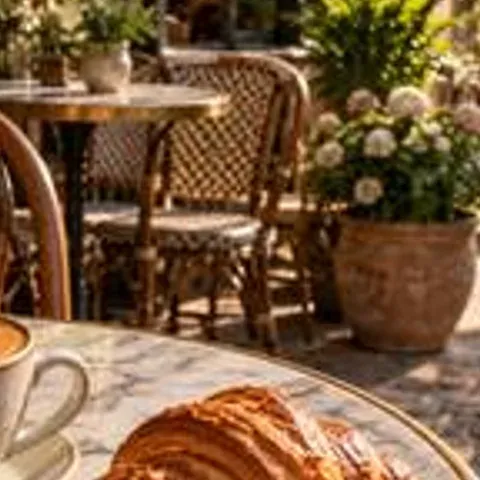
Small web image: inputBefore
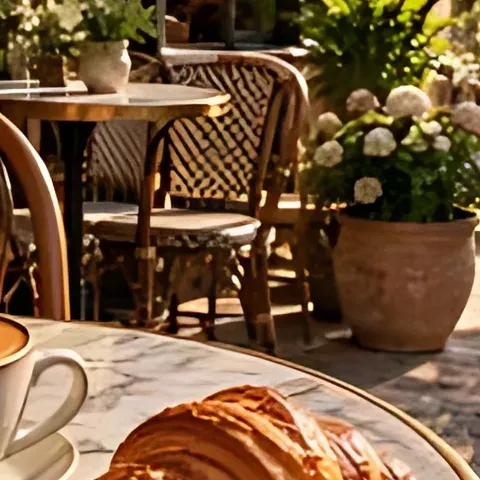
Small web image: AI resultAfter

Small web image

480 px → Upscale 4× → 1920 px

Cup rim, latte art and wood grain are redrawn instead of stretched.

HD photo to 4K: inputBefore
HD photo to 4K: AI resultAfter

HD photo to 4K

960 px → 4K preset → 3840 × 2560

Seeds and powder texture stay distinct at full 4K size.

How to compare free upscalers fairly

  1. Use the same small photo (around 500–1000 px) in every tool.
  2. Upscale 4× and download the full-size file — not the preview.
  3. Open each result at 100% zoom and look at edges, text and skin.
  4. Note the limits you hit: credits, size caps, watermark, sign-up.

What makes a free upscaler actually free

Running an AI upscaler on a server GPU costs money for every image, so most web upscalers ration it: a few free credits per day or month, 2× free with 4× paid, a watermark on free downloads, or a required account. Desktop apps such as Upscayl avoid that by using your own graphics card, but you have to install them. A browser upscaler gets the same benefit without the install: the model is downloaded once and runs on your device with WebGPU or WebAssembly. That's how the tool on this page can be free with no cap — upscaling your 1,000th image costs nothing extra — and why your photos are never uploaded. When you compare tools, check five things: the real free allowance, the largest free output size, whether downloads are watermarked, whether you must sign up, and whether images leave your device. The table below lists what each common option advertised when we checked in November 2026.

Free AI upscalers compared

UpscalerFree allowanceFree max outputWatermarkSign-upWhere it runs
ImageToJPG (this page)Unlimited4× / 4K, up to 4096 pxNoNoYour browser — no upload
UpscaylUnlimitedLarge (custom scale)NoNoDesktop app — install needed
BigjpgLimited monthly free images4× on the free planNoOptionalTheir server — uploaded
PixelcutFree downloads with limitsHigher scales on ProNoVariesTheir server — uploaded
Let's EnhanceA few free creditsLarger outputs paidNoYesTheir server — uploaded
Krea EnhancerFree tier with limitsUp to 2K free, 4K/8K paidNoYesTheir server — uploaded

Allowances are from each tool's public pages when we checked in November 2026 and change often — confirm on their sites. Desktop apps run on your computer; server tools receive a copy of your image.

Which kind of upscaler to choose

If you want…Choose
Free, unlimited, no install, also on a phoneA browser upscaler like this page
Free and the largest possible outputs on a PCA desktop app such as Upscayl
Heavy creative re-imagining of AI artA generative enhancer (usually paid)
To fix blur, not just sizeAn upscaler with an unblur mode — here: Unblur Light / Medium / Strong

Facts at a glance

QuestionAnswer
Price100% free, unlimited — there is no paid plan, credits or daily cap
Sign-upNot needed — no account, no email
WatermarkNone, on every download
UploadNone — images are processed on your device and never sent to a server
AI modelReal-ESRGAN general-x4v3 (BSD-3 licence, 4.9 MB, downloaded once and cached)
Runs onWebGPU in Chrome, Edge and Safari; falls back to WebAssembly (CPU) elsewhere
ModesEnhance (clean + sharpen), Unblur (Light / Medium / Strong), Upscale (2×, 4×, 4K)
Output size2× or 4×, or 4K = 3840 px on the long side (3840×2160 for 16:9); max 4096 px
Large originalsFed to the model at up to 1024 px (GPU) or 640 px (CPU) on the long side, then enlarged 4×
FormatsJPG, PNG, WebP and iPhone HEIC in; JPG, PNG or WebP out (HEIC becomes JPG), PNG transparency kept
BatchYes — add many images, download one by one or as a ZIP
LimitsSpeed depends on your device; detail that was never captured can't be recovered, only redrawn

Frequently asked questions

What is the best free AI image upscaler?

One with no credit cap, no watermark, no sign-up and real 4K output. The upscaler on this page meets all four and runs in your browser, so nothing is uploaded.

Which free upscaler has no limits?

This page has no daily or monthly cap. Desktop apps like Upscayl are also unlimited but need an install. Most web services ration free credits.

Are free upscalers safe for private photos?

Server-based tools receive a copy of your image. This page processes images on your device, so they are never uploaded.

Can a free upscaler output 4K without a watermark?

Yes. Choose the 4K preset here for a 3840 px long side (3840×2160 for 16:9), with no watermark.

Why are most AI upscalers limited?

They run the model on paid server GPUs, so each image costs them money. A browser upscaler uses your own device instead.

Updated · By the imagetojpg.app team

More free tools

Image to JPGAny format — HEIC, AVIF, PNG, WebP, GIF, BMP — to JPG.HEIC to JPGiPhone photos to JPG that opens everywhere.HEIC to PNGLossless PNG from iPhone HEIC photos.AVIF to JPGSaved an .avif from the web? Make it a JPG.AVIF to PNGAVIF to PNG with transparency kept.HEIF to JPGSamsung Galaxy and camera .heif files to JPG.HEIC ConverterHEIC to JPG, PNG, WebP or PDF in one box — keep EXIF, drop GPS, no upload.PNG ConverterAny image to PNG, or PNG to JPG, WebP, PDF and multi-size ICO — no upload.WebP to PDFCombine WebP images into one PDF — reorder, A4/Letter, margins, no upload.PNG to PDFMerge many PNGs into one PDF with lossless, pixel-sharp pages — no upload.PNG to EPUBComics, picture books and scans to an EPUB e-book — cover, contents, no upload.Image to TextCopy the text out of any photo or screenshot — OCR on your device, 19 languages.Picture to WordExtract text from a photo or screenshot into an editable Word .docx — on your device.JPEG to JPG.jpeg, .jpe, .jfif → .jpg, lossless, in bulk. Optional EXIF removal.JFIF to JPGFix .jfif downloads — lossless, no re-compression.Compress JPGShrink JPGs to 100 KB, 200 KB or any size, with a before/after slider.Compress Image to KBMB to KB: any photo to 20, 50, 100 or 200 KB — exam forms, signatures.Resolution ChangerChange pixel size or DPI (72/150/300). Passport and Instagram presets.MP4 to JPGExtract JPG frames from MP4, MOV or WebM — video never uploaded.Image EnhancerAI sharpens detail and cleans JPEG blocks, 2× / 4× — free, no upload.Unblur ImageFix blurry photos, faces and text with AI — Light, Medium or Strong.Upscale ImageMake images bigger without blur: 2×, 4× or 4K, free, nothing uploaded.Free Image UpscalerAI upscale 2× or 4× with no credits, no sign-up, no watermark.4K Image UpscalerUpscale photos to 3840 px for 4K wallpapers, TVs and prints.Image to SVGPNG/JPG to SVG cut files for Cricut and Silhouette — colour layers, DXF, no upload.QR Code with LogoYour logo in the middle, scan-checked, PNG or SVG — static, never expires.WhatsApp Sticker MakerPhoto to 512×512 WebP sticker: background removed, white outline, text — no app.Sticker MakerPhoto to sticker: background removed, white outline, transparent PNG or A4 print sheet.Handwriting to FontFill in a template, snap a photo, download your handwriting as a TTF font.Image to Pixel ArtPhoto to pixel art: pixel size, retro palettes, dithering — PNG or SVG, no upload.GIF CompressorShrink animated GIFs by up to 90% or fit them under a target MB/KB — no upload.GIF ResizerResize animated GIFs by percent or pixels; 128 emoji and 512 sticker crops.GIF to WebPAnimated GIF to animated WebP — usually far smaller, batch, no upload.GIF to APNGAnimated GIF to animated PNG with exact pixels and loop control.GIF Speed ChangerSpeed up, slow down, reverse or boomerang a GIF — lossless timing edits.Compress SVGSVGO optimizer that also repairs SVG code pasted from ChatGPT — presets, batch ZIP.SVG to DXFSVG to DXF in mm or inches for LightBurn, Silhouette and CAD — layers by colour.Gemini Watermark RemoverRemove the Nano Banana sparkle — exact pixels restored, no upload.PFP Collage Maker“Who is in the pfp of your apps” template — one labelled picture per app, 1:1 or 9:16.Movie Scene Collage3 photos as stacked widescreen movie stills — subtitles, grain, Pinterest & Story sizes.Image Text RemoverErase captions, date stamps and words — auto-detect, batch, no upload.Remove AI LabelsStrip C2PA, IPTC AI tags and prompts — pixels unchanged, no upload.AI Image DetectorIs this image AI? Reads Content Credentials, AI tags and prompts — no upload.Magic Wand ToolClick to select a colour area, then delete it or cut it out as a PNG.PNG Text GeneratorText to transparent PNG with gradient, outline, glow and 3D styles.Wallpaper GeneratorGradients, waves or your photo at your phone's or monitor's exact size.Color Picker from ImageClick any pixel for HEX, RGB and HSL, plus a palette.Passport Photo MakerUS, UK, EU, Canada, Australia sizes — checked JPG + 4×6 print sheet.Passport Size Photo3.5 × 4.5 cm photos: 32 on an A4 sheet or 8 on 4×6, free.US Visa & Passport Photo2x2 in / 600×600 JPG under 240 kB, checked — DS-160 and DV lottery.