How to upscale an image for free
- Open: drop images on the tool, tap Choose images, or paste. JPG, PNG, WebP and HEIC work.
- Choose 2× or 4× (or 4K for a 3840 px long side).
- Press Upscale image. The 4.9 MB model downloads once, then runs on your device.
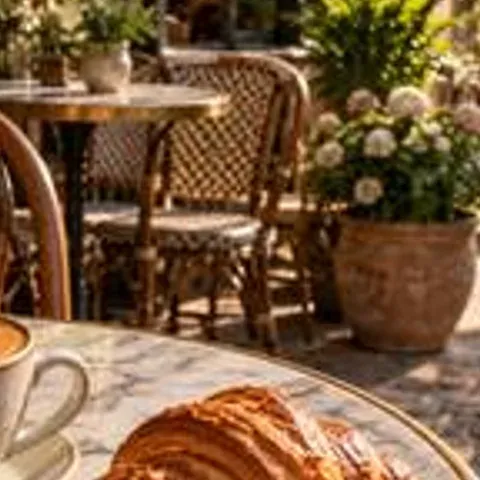
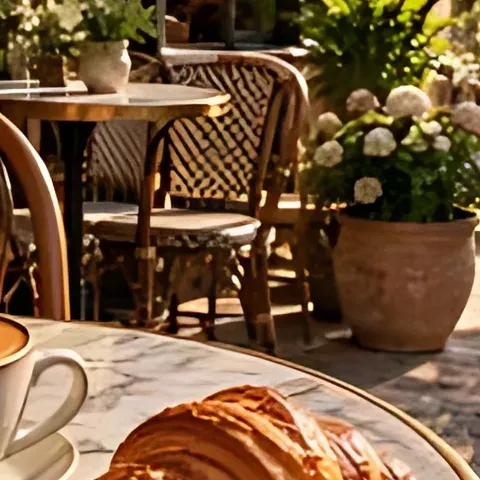
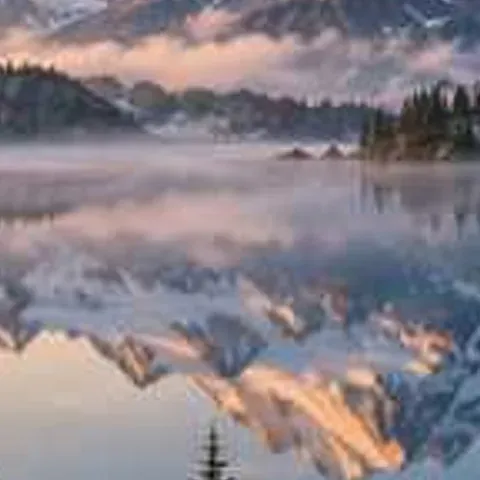
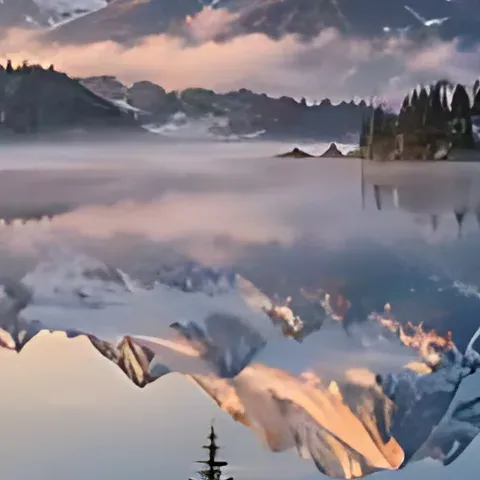
- Check the result with the slider or Zoom 100%, then Download or Download all (.zip).
Why this upscaler can be free without limits
Most AI upscalers run the model on their own GPU servers, so every image costs them money — that's why they give a few free credits, then ask for a plan or add a watermark. Here the model (Real-ESRGAN general-x4v3, 4.9 MB) is sent to your browser once and runs on your own device with WebGPU or WebAssembly. Upscaling your 1st image and your 1,000th costs us nothing extra, so there's no reason to limit it. Your photos also never leave your device. The model was trained to turn small, degraded photos into clean 4× versions, so the output looks sharper than plain bicubic resizing: edges stay crisp, compression blocks disappear, and text stays readable. 2× is made by running the 4× model and resizing down, which also cleans the image. The trade-off is speed: on a device without a GPU, a big image takes longer than on a server.
Facts at a glance
| Question | Answer |
|---|---|
| Price | 100% free, unlimited — there is no paid plan, credits or daily cap |
| Sign-up | Not needed — no account, no email |
| Watermark | None, on every download |
| Upload | None — images are processed on your device and never sent to a server |
| AI model | Real-ESRGAN general-x4v3 (BSD-3 licence, 4.9 MB, downloaded once and cached) |
| Runs on | WebGPU in Chrome, Edge and Safari; falls back to WebAssembly (CPU) elsewhere |
| Modes | Enhance (clean + sharpen), Unblur (Light / Medium / Strong), Upscale (2×, 4×, 4K) |
| Output size | 2× or 4×, or 4K = 3840 px on the long side (3840×2160 for 16:9); max 4096 px |
| Large originals | Fed to the model at up to 1024 px (GPU) or 640 px (CPU) on the long side, then enlarged 4× |
| Formats | JPG, PNG, WebP and iPhone HEIC in; JPG, PNG or WebP out (HEIC becomes JPG), PNG transparency kept |
| Batch | Yes — add many images, download one by one or as a ZIP |
| Limits | Speed depends on your device; detail that was never captured can't be recovered, only redrawn |
Free image upscalers compared
| What you get free | This page | Typical free upscalers |
|---|---|---|
| Images per day | Unlimited | 3–10 credits, then pay |
| Maximum scale | 4× (up to 4096 px) | Often 2× free, 4× paid |
| Watermark | None | Sometimes |
| Account | Not needed | Often needed to download |
| Batch + ZIP | Yes | Usually paid |
| Upload | None — runs on your device | Uploaded to their server |
What size to pick
| Use | Original | Pick |
|---|---|---|
| Clean up a small web image | 600 px | 2× → 1200 px |
| Print a photo at 8×10 in, 300 DPI | 800 × 1000 px | 4× → 3200 × 4000 px |
| Desktop wallpaper | 1280 × 720 px | 4K → 3840 × 2160 px |
| Profile picture or thumbnail | 200 px | 4× → 800 px |
Frequently asked questions
Is there a free AI image upscaler without signing up?
Yes. This one needs no account or email: open the page, upscale 2×, 4× or 4K and download with no watermark. It's unlimited because the AI runs in your browser.
Is this image upscaler really free?
Yes, with no limit. The AI runs in your browser, so there are no server costs, no credits and no plan.
Does it add a watermark?
No. Every download is full size without a watermark.
Do I need to sign up?
No account, no email. Open the page and upscale.
How big can I upscale?
2×, 4× or 4K, up to 4096 px on the long side.
Are my images uploaded?
No. Upscaling happens on your device; images are never sent to a server.
Can I upscale many images at once?
Yes. Add several and press Upscale all, then download a ZIP.
Why is it slower than some websites?
It uses your device instead of a paid server GPU. With WebGPU (recent Chrome, Edge, Safari) it takes seconds; on older devices larger images take longer.
Updated · By the imagetojpg.app team