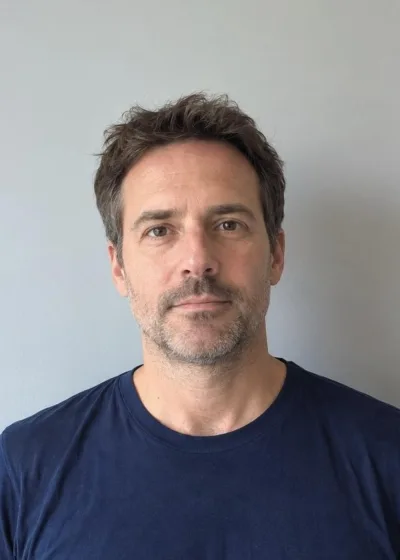
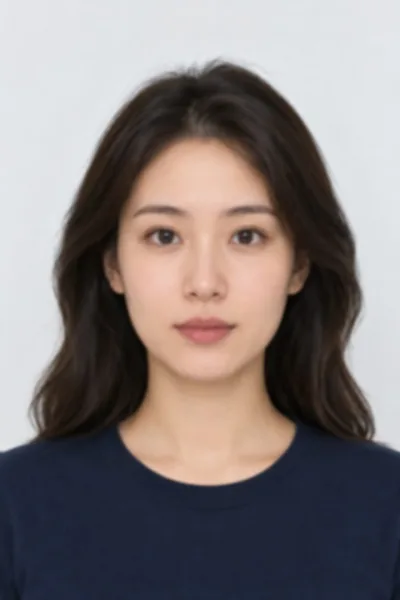
How to make a passport photo at home
- Pick the country and document in the menu above the tool. The size, head-size range and file rules change with it.
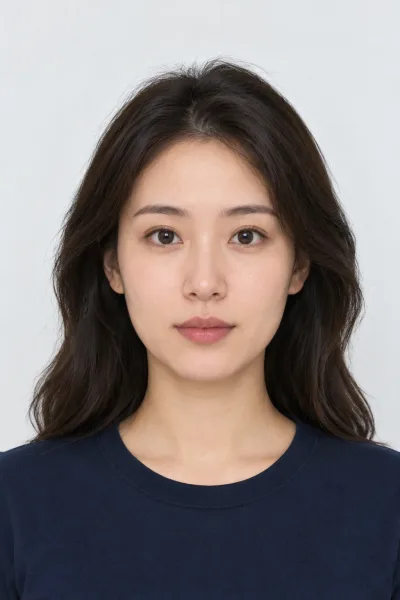
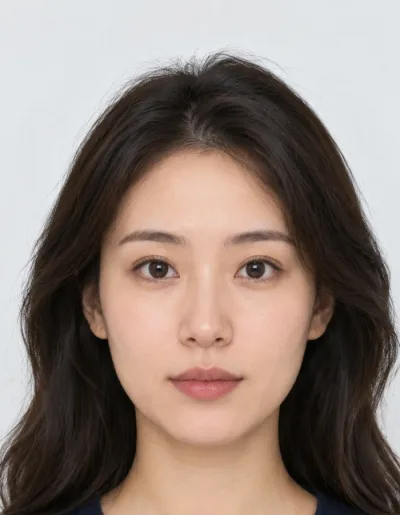
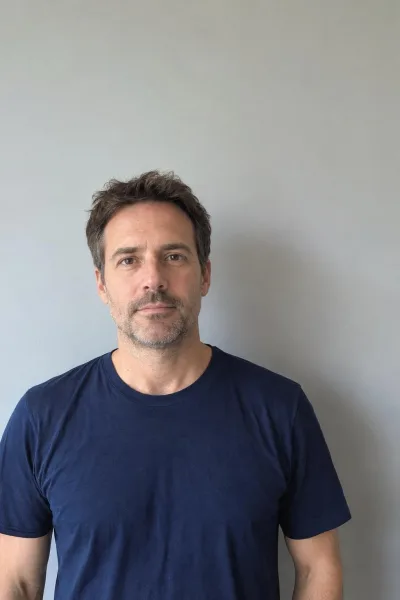
- Take the photo: stand about 50 cm in front of a plain white or light grey wall, face a window, look straight at the camera with a neutral face. Ask someone to shoot from about 1.2 m at eye level.
- Open it: choose a file, drop it on the box or paste it. iPhone HEIC photos work.
- Tap the top of the head (hair included), then the bottom of the chin. The crop snaps to the country's head size; drag or zoom to fine-tune.
- When the checks are green, download the digital JPG for an online application, or the 4×6 print sheet to print at a kiosk and cut out.
Passport photo sizes by country
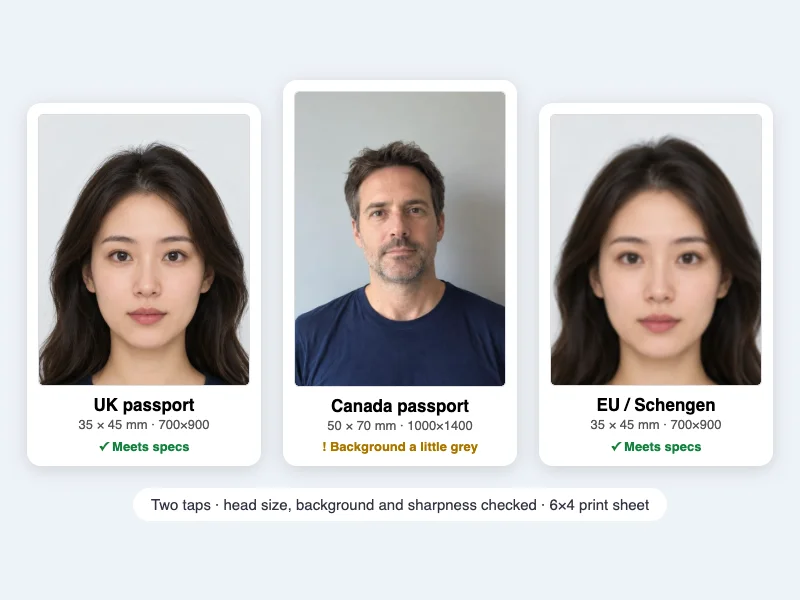
Most countries use one of three passport photo sizes. The United States (passports, visas, the DV lottery) use a square 2 × 2 inch photo (51 × 51 mm) where the head fills 50–69% of the height. The UK, the Schengen states and the rest of the EU, Australia and most other countries follow the ICAO 35 × 45 mm format: the head is 32–36 mm from chin to crown, or 29–34 mm for a UK passport. Canada is the outlier at 50 × 70 mm with a 31–36 mm head. Every country wants a recent colour photo, a plain light background, a neutral expression with both eyes open, and no filters or retouching. This tool sets the size and head share for the country you pick and checks the parts that can be measured.
Free, and what that means here
| Condition | This passport photo maker |
|---|---|
| Sign-up or account | None |
| Watermark | None, on the digital JPG or the print sheet |
| Free photos per day | No limit |
| Export | Digital JPG at the official pixel size, plus a 6×4 in JPG print sheet at 300 dpi |
| Commercial use | Allowed: photographers and shops can use it for customers' photos |
| Subscription or paid tier | None; nothing to buy |
| Photo uploaded to a server | No: cropping and checks run in your browser |
The tool doesn't retouch faces or replace backgrounds, because most passport offices reject edited photos. It crops, resizes and checks; the photo itself is yours as taken.
Supported countries and documents
| Country / document | Print size | Digital JPG | Head (chin to crown) | Background |
|---|---|---|---|---|
| United States: passport, visa (DS-160), DV lottery | 2 × 2 in (51 × 51 mm) | 600 × 600 px, ≤ 240 kB | 25–35 mm (50–69%) | White or off-white |
| United Kingdom: passport | 35 × 45 mm | 700 × 900 px, 50 kB–10 MB (≥ 600 × 750 needed) | 29–34 mm | Light grey or cream |
| EU / Schengen visa, most 35 × 45 mm countries | 35 × 45 mm | 700 × 900 px | 32–36 mm (71–80%) | Plain light |
| Canada: passport | 50 × 70 mm | 1000 × 1400 px | 31–36 mm | White or light-coloured |
| Australia: passport | 35 × 45 mm | 700 × 900 px | 32–36 mm | White or light grey |
Sizes are from each government's own photo page: travel.state.gov, gov.uk, canada.ca and passports.gov.au, plus the ICAO 9303 standard the EU uses. Some offices add their own rules, such as Germany's grey background or Canada's photographer stamp on the back, so read your form's photo section before you submit.
What the tool checks, and what it can't
- Head size: from your two taps it measures the head as a share of the photo and flags it outside the country's range.
- Background: it reads the upper corners and warns when the wall is too dark, coloured or uneven. For the UK, EU, Canada and Australia, light grey passes; for the US it must be near white.
- Sharpness: it warns when the crop has too few source pixels to print at 300 dpi.
- File: the JPG is written at the official pixel size and, for the US, kept under 240 kB.
Glasses, expression, shadows on the face, hair over the eyes and how recent the photo is are up to you. The short list under the tool changes with the country you pick.
Printing passport photos
- Download the 4×6 print sheet. It holds six US photos, eight 35 × 45 mm photos or four Canadian photos, each at true size with cut lines.
- Print it as a standard 4×6 (10 × 15 cm) photo at a drugstore kiosk or online photo service. Turn off "fit" or "crop" so the print isn't scaled.
- Cut along the lines and check one photo with a ruler before you send it.
Passport photo makers compared
| This page | Passport Photo Online | Persofoto | Visafoto | |
|---|---|---|---|---|
| Price | Free | $16.95 digital, $19.95 printed | Free download; paid option with a check | Paid order (price not on the home page) |
| Sign-up | No | Not shown on the page | Not shown on the page | Not shown on the page |
| Watermark on the free result | No | No free result | Not shown on the page | Not shown on the page |
| Uploads your photo | No, runs in your browser | Yes | Yes | Yes |
| Compliance check | Head, background, sharpness, file size | Yes, after paying | Only in the paid option | Yes, after paying |
| Background replacement | No (edited photos get rejected) | Yes | Not shown on the page | Yes |
| Print sheet | 4×6, free | Prints delivered | Print yourself | Not shown on the page |
Competitor details are as shown on their own home pages on 8 November 2026. Paid services also offer acceptance guarantees and printed delivery; if you need those, they're the better fit.
Frequently asked questions
Is this passport photo maker really free?
Yes. There's no sign-up, no watermark, no daily limit and no paid version. Download the digital JPG and the print sheet as many times as you like.
Which countries does it support?
The United States (2×2 in), the United Kingdom, EU / Schengen and other 35×45 mm countries, Canada (50×70 mm) and Australia. For a US visa or DV lottery photo, the US setting gives a 600×600 JPG under 240 kB.
What size is a passport photo?
2 × 2 in (51 × 51 mm) in the US, 35 × 45 mm in the UK, the EU, Australia and most other countries, and 50 × 70 mm in Canada. Pick the country in the tool and it sets the size for you.
Can I take a passport photo with my phone?
Yes. Stand in front of a plain light wall facing a window, have someone take it from about 1.2 m at eye level, then open it here. Avoid the selfie camera at arm's length: it distorts the face.
Does it change the background to white?
No. Most passport offices reject photos with a replaced or edited background. The tool checks the background and tells you if the wall is too dark or coloured, so you can retake it.
How do I print passport photos at home or at a store?
Download the 4×6 print sheet and print it as a regular 4×6 or 10×15 cm photo at a kiosk or online. The photos are at true size; cut along the grey lines.
Is my photo uploaded?
No. The crop, the checks and the JPG are made in your browser. Nothing is sent to a server and there's no account.
Will my photo be accepted?
The tool gets the measurable parts right: size, head share, file size, and a background and sharpness check. Expression, glasses, lighting on the face and recency are up to you, and the passport office makes the final call.
Updated · By the imagetojpg.app team