
How to make a movie scene collage
- Press Choose 3 photos and pick three pictures — or drop or paste them onto the panels. A sample collage is shown first so you can see the look.
- Pick the size: Pinterest 2:3 (1000×1500), Story 9:16 (1080×1920), Post 4:5, Square, or just the stills with no extra space.
- Choose the frame shape — 2.39:1 is the classic widescreen movie look — and drag each photo inside its frame until the subject sits where you want it.
- Type a subtitle for each panel, pick a colour grade and set grain and vignette, then press Download JPG.
What makes a photo look like a movie still
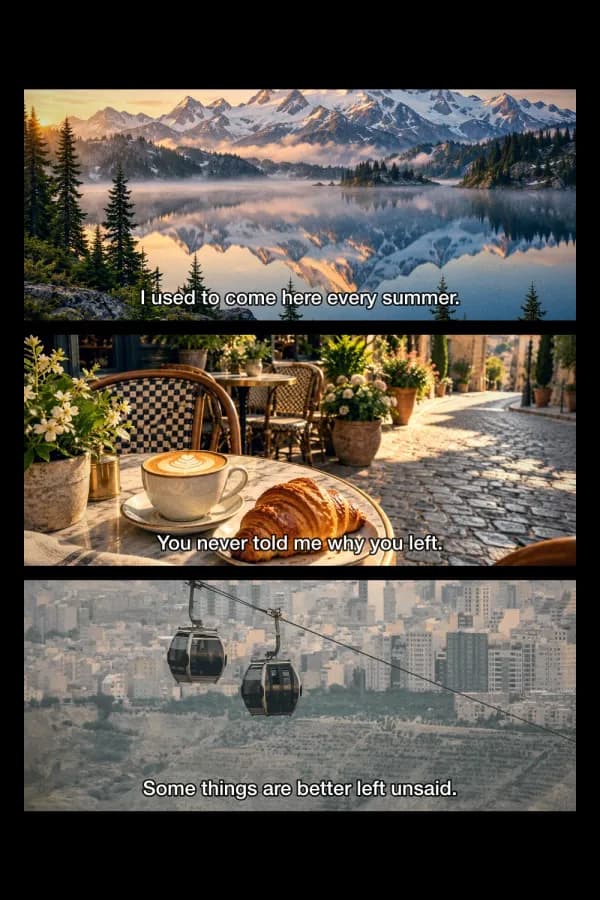
A movie still reads as cinema because of a few habits film-makers share, and this page applies each one to your photos. First the shape: most feature films are projected at 2.39:1 (scope) or 1.85:1, much wider than a phone photo, so each picture is cropped to that frame and set on black — the same bars you see on a TV showing a widescreen film. Second, subtitles: a short line of white or yellow text with a dark outline, centred near the bottom of the frame, instantly says "scene from a film". Third, the colour grade: blockbusters often push shadows toward teal and skin toward orange, while indie films lean warm or faded; B&W and noir add contrast. Last, texture: a little film grain, stronger in the midtones as on real film stock, and a soft vignette pulling the eye to the centre. Stacking three stills tells a tiny story — the reason the "my life as a movie scene" collage works on Pinterest.
Facts at a glance
| Question | Answer |
|---|---|
| Price | Free — no watermark, no credits |
| Sign-up | Not needed |
| Upload | None — the collage is drawn on a canvas in your browser |
| Photos | 3 by default, 2 or 4 also work; JPG, PNG, WebP, HEIC, AVIF; choose, drop or paste |
| Frame shape | 2.39:1 scope · 2:1 · 1.85:1 flat · 16:9 · Fill (panels share the full height) |
| Output sizes | Pinterest 1000×1500 · Story 1080×1920 · Post 1080×1350 · Square 1080×1080 · Just the stills (1600 wide) |
| Borders | Black, white, cream or charcoal; border and gap 0–120 px |
| Subtitles | One per panel, up to 2 lines, white or yellow with outline, or white on a dark box |
| Film look | Grades: teal & orange, warm film, cool night, faded, B&W, noir · grain · vignette |
| Reframe | Drag a photo inside its frame; zoom up to 3×; reorder panels |
| Download | JPG or PNG; Share button opens the phone share sheet |
Which size and frame to pick
| Posting to… | Size | Frame | Why |
|---|---|---|---|
| Pinterest 2:3 (1000×1500) | 2.39:1 | Pinterest's recommended pin shape; three scope frames leave cinematic black above and below | |
| Instagram or TikTok Story | Story 9:16 (1080×1920) | 1.85:1 or 16:9 | Taller frames fill more of the screen; keep subtitles away from the very top and bottom |
| Instagram feed | Post 4:5 (1080×1350) | 2.39:1 | The tallest feed post; the stack stays readable in the grid crop |
| X / Threads | Just the stills | 2:1 or 2.39:1 | No empty space — just the three frames and their borders |
| Phone wallpaper | Story 9:16 | Fill | Panels share the whole height, no bars |
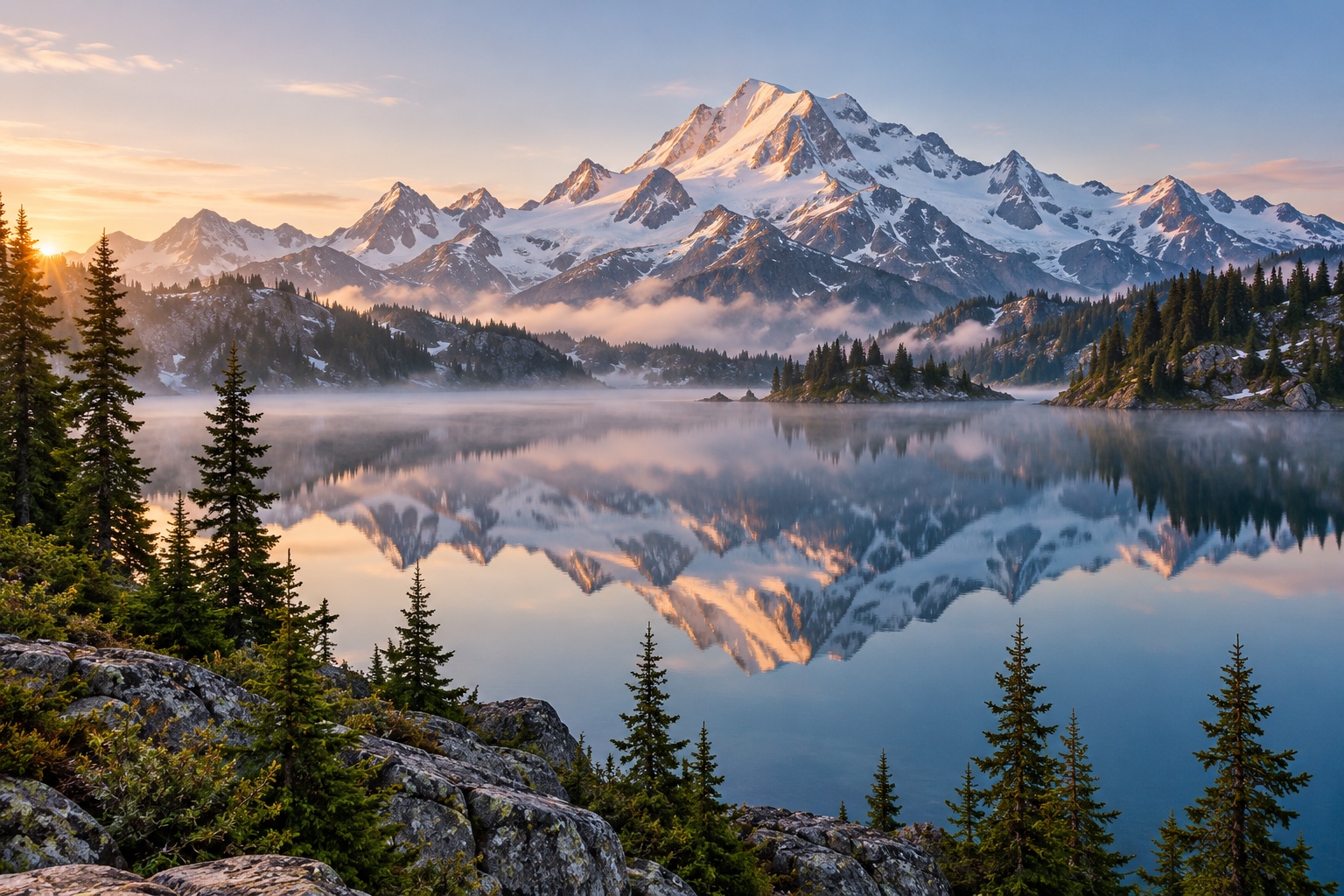
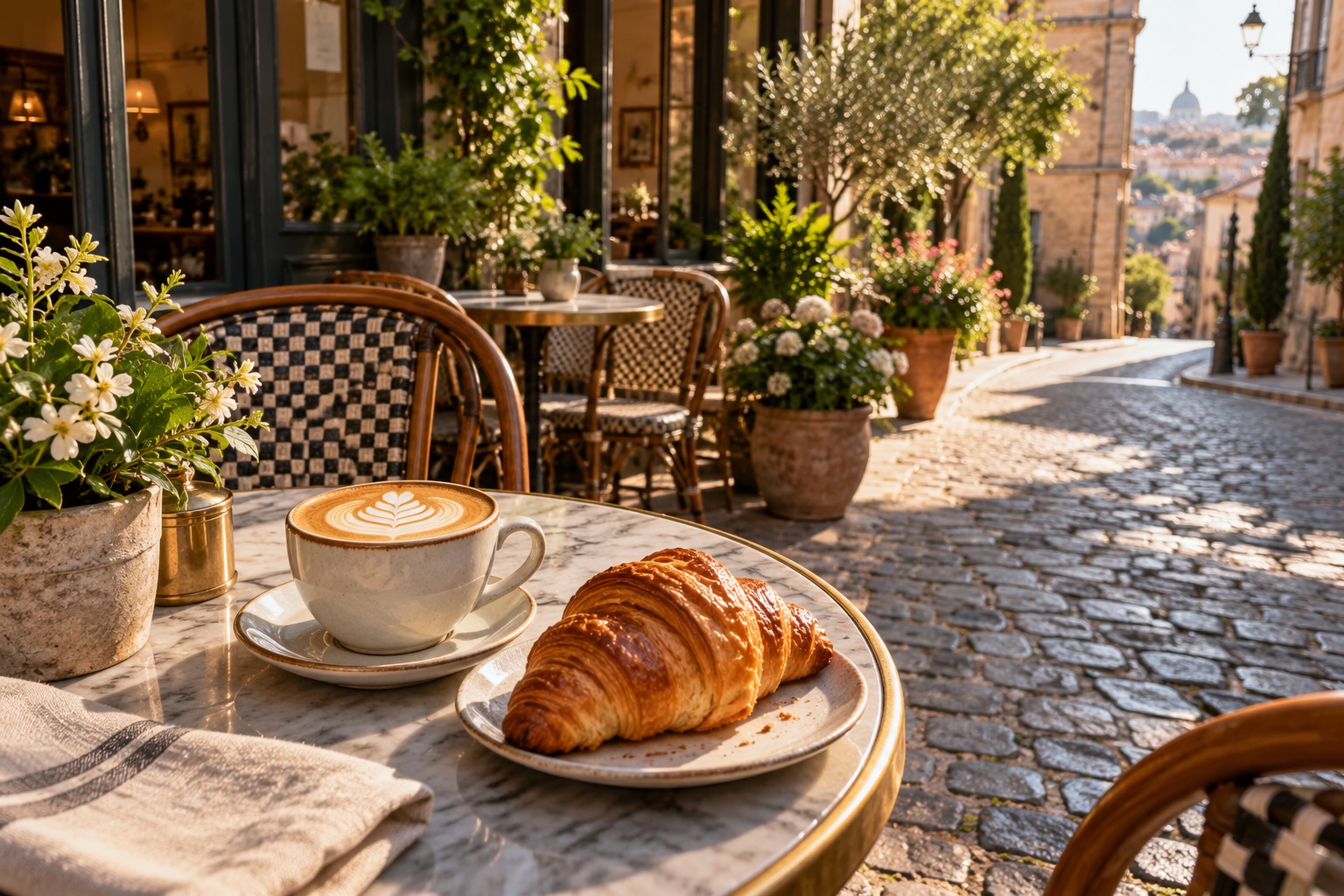
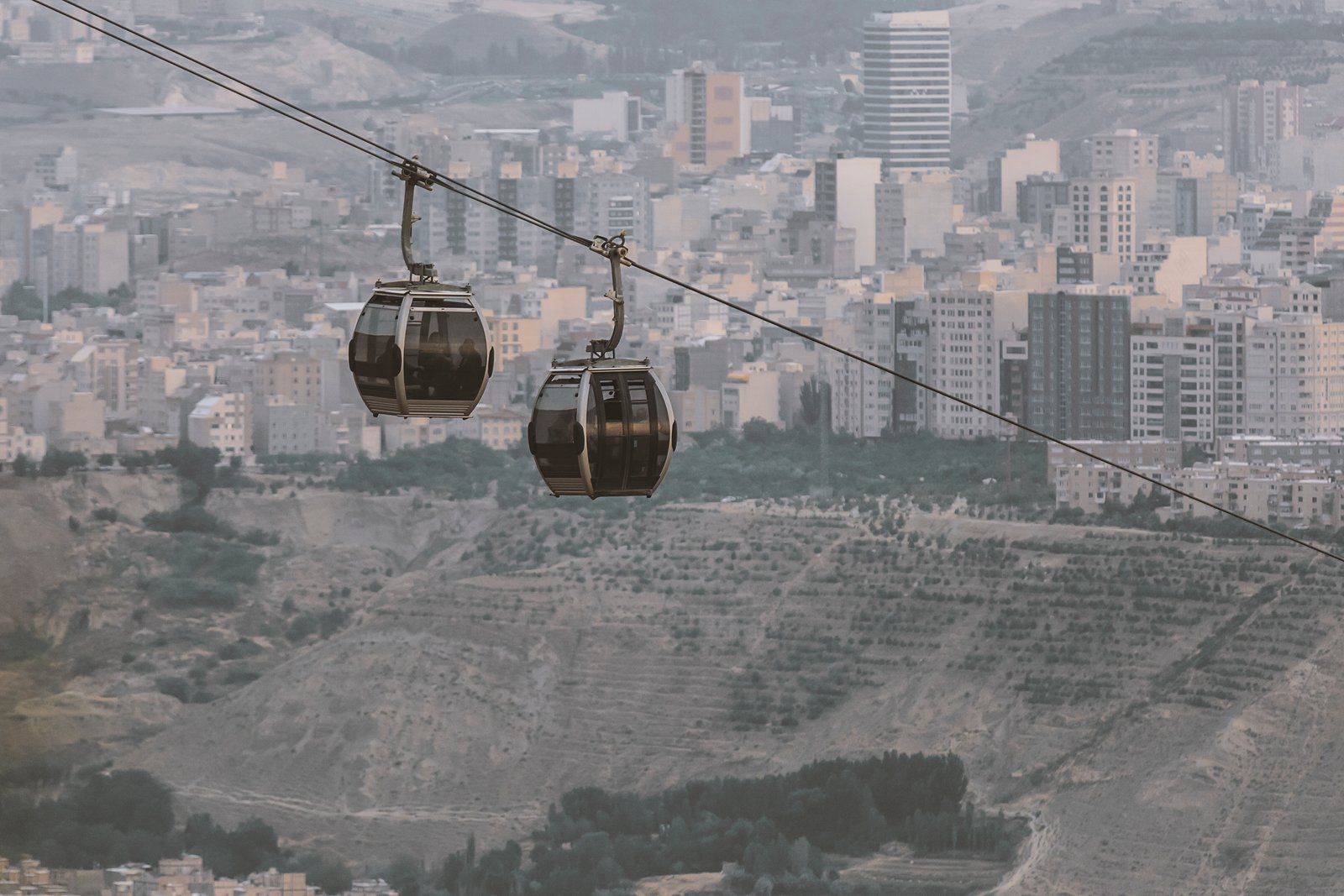
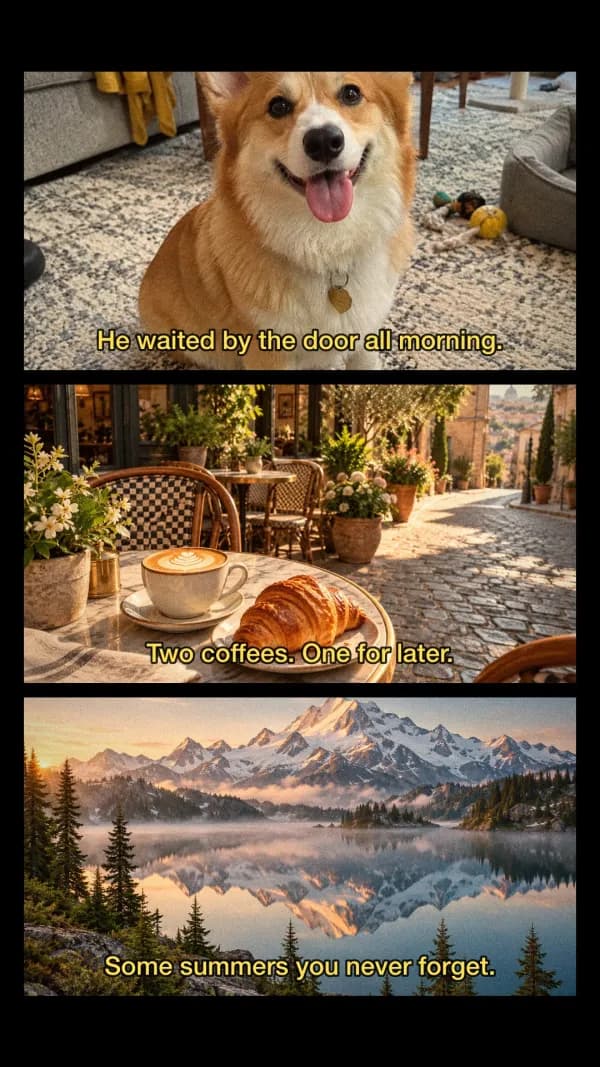
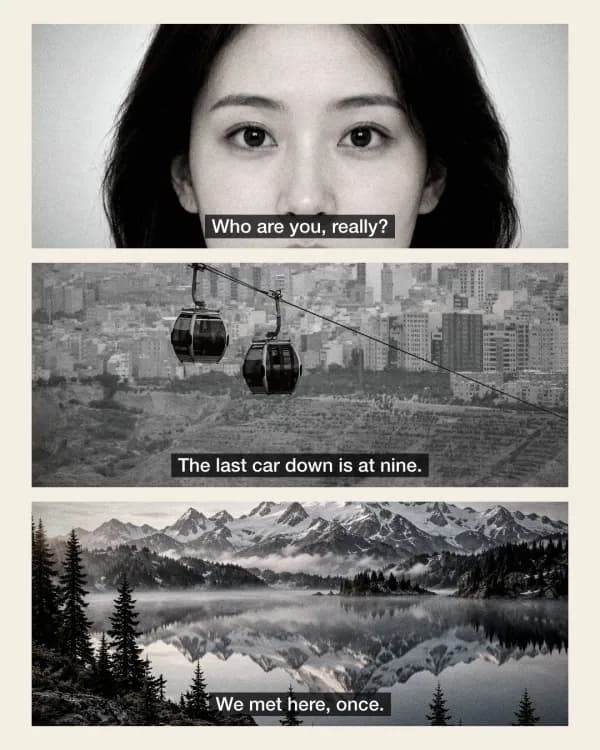
Our three examples below use the Pinterest, Story and Post sizes, each made with this tool from the sample photos.
Ideas for your three scenes
Think of the three frames as the beginning, middle and end of a scene. A wide establishing shot (a street, the sea, a window) first; then a closer shot of a person, a hand, a cup of coffee; then a detail or a moment that ends it. Subtitles work best short — under about eight words — and sound like dialogue someone would actually say.
- A trip: the view from the train, the café you found, the last sunset — "We should have stayed longer."
- Coming-of-age: your old street, your bike, your friends' backs as they walk away.
- Rainy night: neon reflections, a lit window, a cup on a table — try the Cool night grade with more grain.
- Old-film mood: B&W or Noir, 1.85:1 frames, white subtitles, vignette at 60 or more.
Making the more common grid of profile pictures instead? Use the PFP Collage Maker. Have iPhone HEIC photos? They open here directly, or convert them with HEIC to JPG first.
Movie scene collage makers compared
| Feature | This page | Canva | CapCut | PicMonkey |
|---|---|---|---|---|
| What's on the first screen | The tool, with a finished sample | Marketing page, button into the editor | Template gallery, button into the editor | Marketing page, free-trial button |
| Made for 3 movie stills | Yes — one step | General collage templates | Three-layout templates (mostly video) | General grid collages |
| Widescreen frames (2.39:1, 1.85:1) | Yes, one tap | Not shown on the page | Not shown on the page | Not shown on the page |
| Subtitles under each frame | Yes, film-style | Add text by hand | Add text by hand | Add text by hand |
| Film grain, vignette, grade | Yes, 7 grades | Not shown on the page | Not shown on the page | Not shown on the page |
| Pinterest and Story sizes | Yes, presets | Yes | Yes | Yes |
| Photos uploaded? | No — made in your browser | Uploaded to the editor | Uploaded to the editor | Uploaded to the editor |
Competitor details are as shown on their own pages on 5 November 2026; features inside their editors may differ. Tools change, so check before you rely on a feature.
Frequently asked questions
How do I make the “my life as a movie scene” collage?
Choose three photos here, keep the 2.39:1 frame and Pinterest size, type a short subtitle under each and press Download JPG. The black borders, subtitles and grain are added for you.
Is it free? Is there a watermark?
Free, with no watermark and no sign-up. The collage is drawn in your browser, so there's nothing to pay for and no daily limit.
Are my photos uploaded?
No. The photos are opened and drawn by your browser and never leave your device.
What aspect ratio do movies use?
Most feature films use 2.39:1 (widescreen “scope”) or 1.85:1. TV and YouTube use 16:9 (1.78:1). Pick 2.39:1 for the most cinematic look.
What size is a Pinterest pin?
Pinterest recommends a 2:3 pin, such as 1000×1500 px — the Pinterest preset here. For Stories use 9:16, 1080×1920.
Can I use 2 or 4 photos?
Yes. Switch Panels to 2 or 4; the frames resize to fit the canvas.
How do I move a photo inside its frame?
Drag it on the preview. Select the panel to get a zoom slider (up to 3×) and a reset button.
Can I use yellow subtitles?
Yes — pick Yellow under Subtitles for the classic DVD look, White for modern films, or Boxed for white text on a dark band. Subtitle size goes up to 160%.
Does it work with iPhone photos?
Yes. HEIC photos from an iPhone open directly, as do JPG, PNG, WebP and AVIF.
JPG or PNG?
JPG for posting — it's much smaller and Pinterest and Instagram re-compress anyway. PNG if you'll edit the collage further.
Updated · By the imagetojpg.app team