How to extract text from an image
- Tap Choose images, drop them on the box, or paste a screenshot with Ctrl/⌘+V. JPG, PNG, WebP, iPhone HEIC, GIF and BMP work; add as many as you like.
- Pick the Language of the text. The first time, its reading model downloads once (about 3 MB for English) and is cached, so the next image starts at once.
- Check the text in the box beside each image and fix anything misread. Choose Join into paragraphs if you want lines to flow together for an email or a document.
- Press Copy text (or Copy next to one image), Download .txt, or .docx for Word.
How image to text works here
The words in a picture are only pixels until they are recognised — optical character recognition, or OCR. This page runs the open-source Tesseract engine compiled to WebAssembly, so the recognition happens in your browser tab rather than on a server. Before reading, the image is turned upright from its camera rotation, iPhone HEIC photos are decoded, and small screenshots are enlarged, because the engine is most accurate when letters are 20 to 40 pixels tall. On photos, stray “lines” read from texture such as food, leaves or wood grain are dropped by their low confidence, and light text on a dark background or very large lettering gets a second reading from an inverted, half-size copy. The result keeps the lines of the original; Join into paragraphs merges lines inside a paragraph, rejoins words split with a hyphen and keeps bullet points and numbered steps on their own lines. Each image gets a confidence score so you know when to check closely. Clear printed text — screenshots, documents, signs — usually comes back almost word for word; handwriting, curved pages, heavy blur and decorative fonts lower the accuracy, which is why the text is editable before you copy it.
Free, and what that means here
| Condition | This page |
|---|---|
| Sign-up or account | None |
| Free images per day | No limit |
| Images at once | No limit — read one after another |
| File size | No set limit (your device's memory) |
| Watermark or added text | None |
| Export | Copy, .txt (UTF-8), .docx |
| Languages | 19 |
| Commercial use of the text | Allowed |
| Subscription or paid plan | None |
| Image uploaded to a server | No — read in your browser |
| Ads or captcha in the tool | None |
There is no paid tier to unlock: recognition runs on your own device, so it costs us nothing per image and there's nothing to ration. The only download is the reading model for the language you pick, from a public CDN, once.
What kind of image reads best
| Image | What to expect | Tip |
|---|---|---|
| Screenshot of an app, web page, chat or PDF | Near-perfect | Paste it straight in with Ctrl/⌘+V |
| Scanned document or printed page | Near-perfect | 300 dpi scans read best |
| Phone photo of a page, sign or notice | Very good when sharp and flat | Hold the phone parallel to the page; avoid glare and shadows |
| Text over a photo (posters, quotes, social posts) | Good for big text | Crop to the text first if the background is busy |
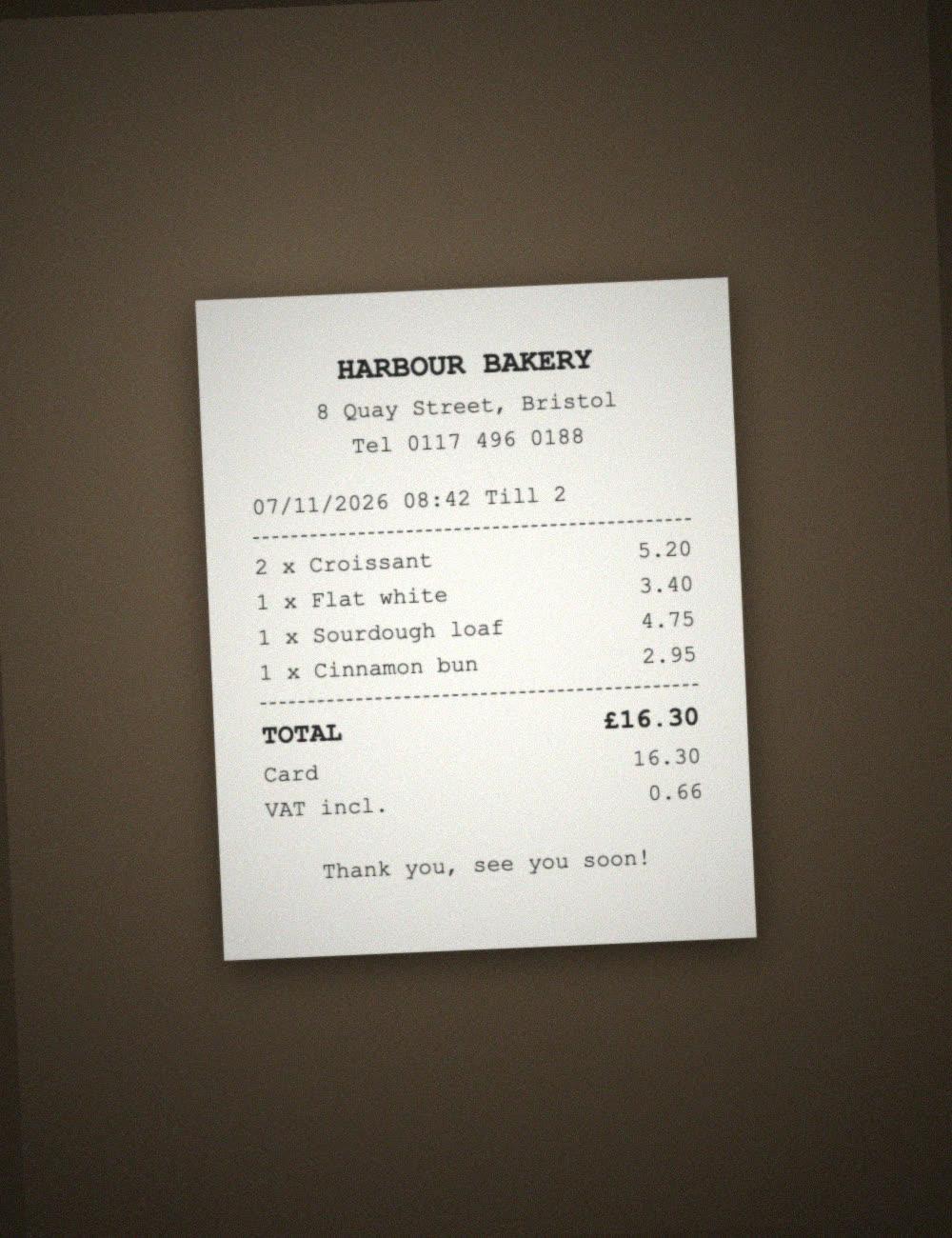
| Receipts, invoices, tables | Good; check the numbers | Fill the frame; tables come back as lines of text |
| Handwriting | Poor | OCR is built for printed text; type short notes instead |
Pick the language the text is written in. Chinese, Japanese, Korean, Arabic, Hindi, Russian and Ukrainian also load English, so names, codes and prices in Latin letters come out right. Accents (é, ñ, ü) are read when the matching language is chosen.
Image to text converters compared
| Feature | This page | imagetotext.info | imagetotext.io | i2OCR |
|---|---|---|---|---|
| Where the image goes | Stays in your browser | Uploaded to the site | “No data is transmitted or stored” (stated) | Processed on their servers, deleted within 30 minutes |
| Sign-up | None | Optional; needed for paid plans | Sign up to unlock more after the daily limit | None |
| Free use | No daily limit, many images at once | Multiple files need a paid plan ($8–$40 a month) | Daily limit, then sign-up or paid credits ($6–$20 a month) | One image, PDF page or area at a time |
| Ads / captcha on free use | None | Ads and captcha removed on paid plan | Ads removed on paid plan | Advertisements shown |
| Output | Copy, .txt, .docx | Copy, .txt, .docx | Copy, .txt | Edit, translate, download |
| Join lines into paragraphs | Yes | Not shown on the page | Simple / Formatted modes | Not shown on the page |
| Confidence score per image | Yes | Not shown on the page | Not shown on the page | Not shown on the page |
| iPhone HEIC photos | Yes | Yes | Not shown on the page | Not shown on the page |
| Languages | 19 | Multiple | EN, ID, DE, FR, ES and more | 128 |
Competitor details are as shown on their own pages on 8 November 2026. Tools change, so check before you rely on a feature. Server-based tools can be more accurate on hard images such as handwriting; this page is built for privacy, no limits and speed on everyday text.
Frequently asked questions
How do I convert an image to text for free?
Add the image on this page or paste a screenshot with Ctrl/⌘+V. The text appears in a few seconds; press Copy text or Download .txt. There's no sign-up, no daily limit and no watermark.
Is my image uploaded anywhere?
No. The OCR engine runs inside your browser, so the image and the text stay on your device. Only the reading model for your language is downloaded once and cached.
Is there a limit on how many images I can convert?
No. Add as many images as you like, in one go or over the day; they are read one after another and you can copy all the text at once.
How accurate is it?
On clear printed text — screenshots, scans, sharp photos — it's usually almost word for word, and each image shows a confidence score. Blur, glare, decorative fonts and handwriting lower the accuracy, so the text is editable before you copy it.
Can I extract text from an iPhone photo or screenshot?
Yes. iPhone HEIC photos and PNG screenshots both work, and the photo is turned upright automatically. On a phone, choose the photo from your library or take one with the camera.
Does it keep line breaks and paragraphs?
By default the text keeps the lines of the image. Choose Join into paragraphs to make lines inside a paragraph flow together — words split with a hyphen are rejoined, and bullet points and numbered steps stay on their own lines.
Which languages can it read?
English, Spanish, French, German, Portuguese, Italian, Dutch, Polish, Turkish, Vietnamese, Indonesian, Russian, Ukrainian, Arabic, Hindi, Chinese (Simplified and Traditional), Japanese and Korean.
Can it read handwriting?
Only neat block letters, and not reliably. The engine is made for printed and on-screen text; for handwritten notes, expect to correct a lot or type them.
Can I get the text as a Word document?
Yes — press .docx for an editable Word file. For more Word options, such as a heading per image, use our Picture to Word page.
Can I use the extracted text commercially?
The tool puts no restriction on the text it gives you. Whether you may reuse the words themselves depends on who owns the original content.
Updated · By the imagetojpg.app team