Chrome extension
Save Image as JPG, PNG, WebP
Right-click any image on any website and save it as JPG, PNG or WebP — or copy it as PNG. WebP to JPG in one click, converted on your computer.
Free · no account · no data collected · Chrome, Edge, Brave
How to save an image as JPG, PNG or WebP
- Step 1
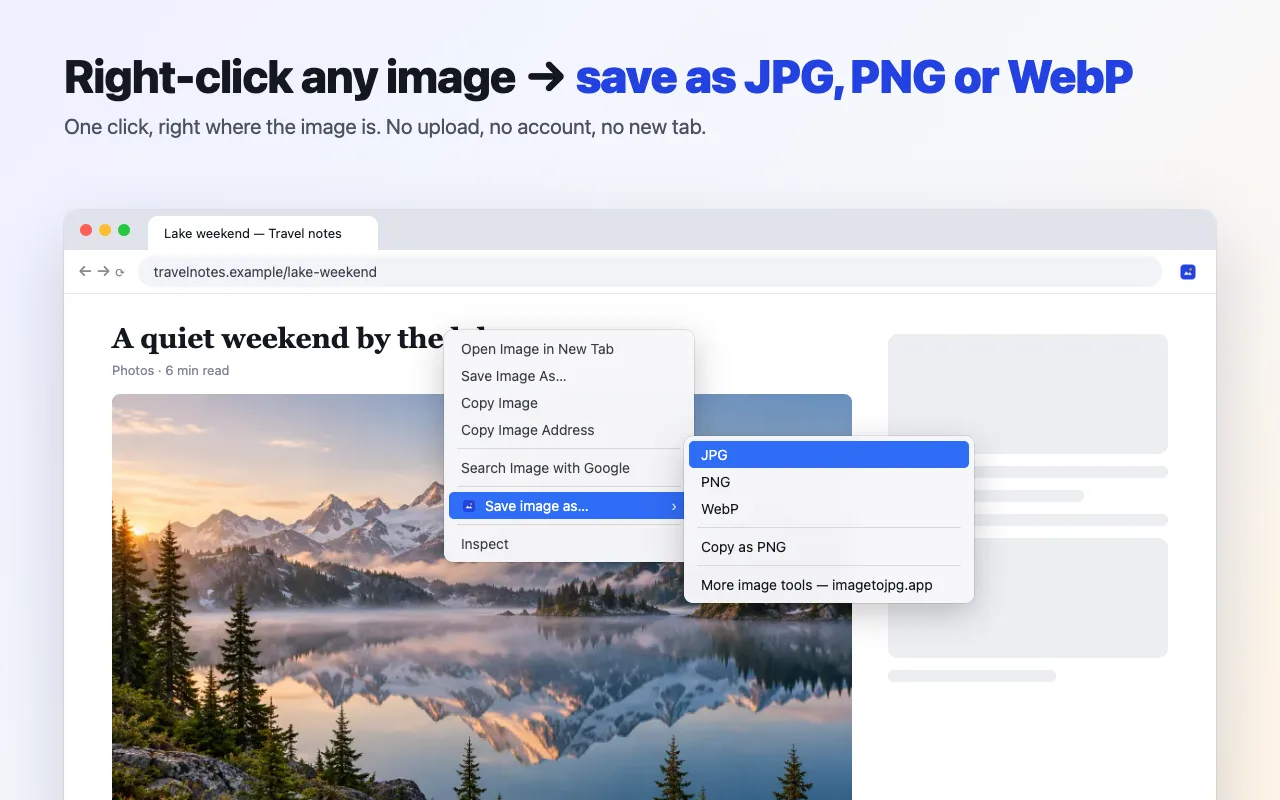
Right-click the image on any web page.
- Step 2
Choose Save image as… and pick JPG, PNG or WebP (or Copy as PNG).
- Step 3
The converted file is saved to Downloads with its original name.
What it does
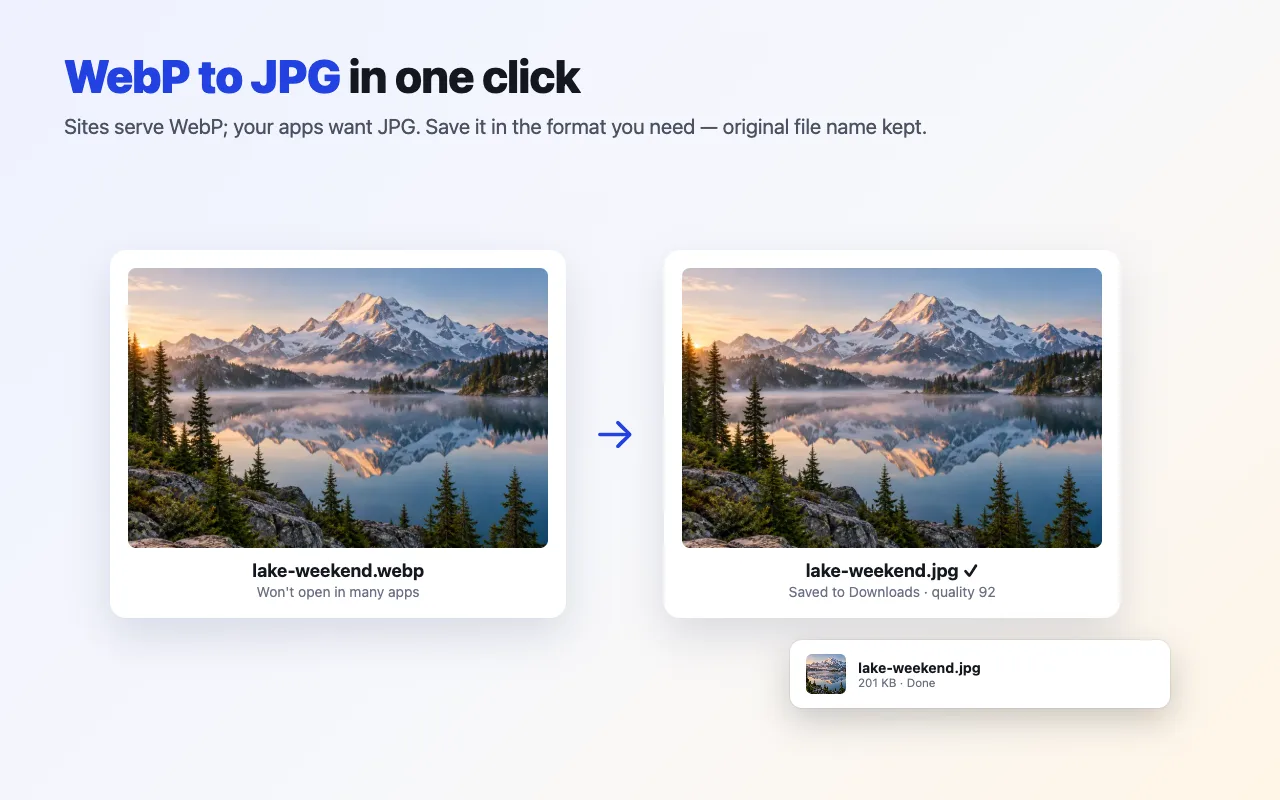
WebP to JPG in one click
Right-click a WebP (or AVIF, GIF, BMP, ICO, SVG) image and save it as a JPG that opens everywhere. The original file name is kept.
Save image as PNG or WebP
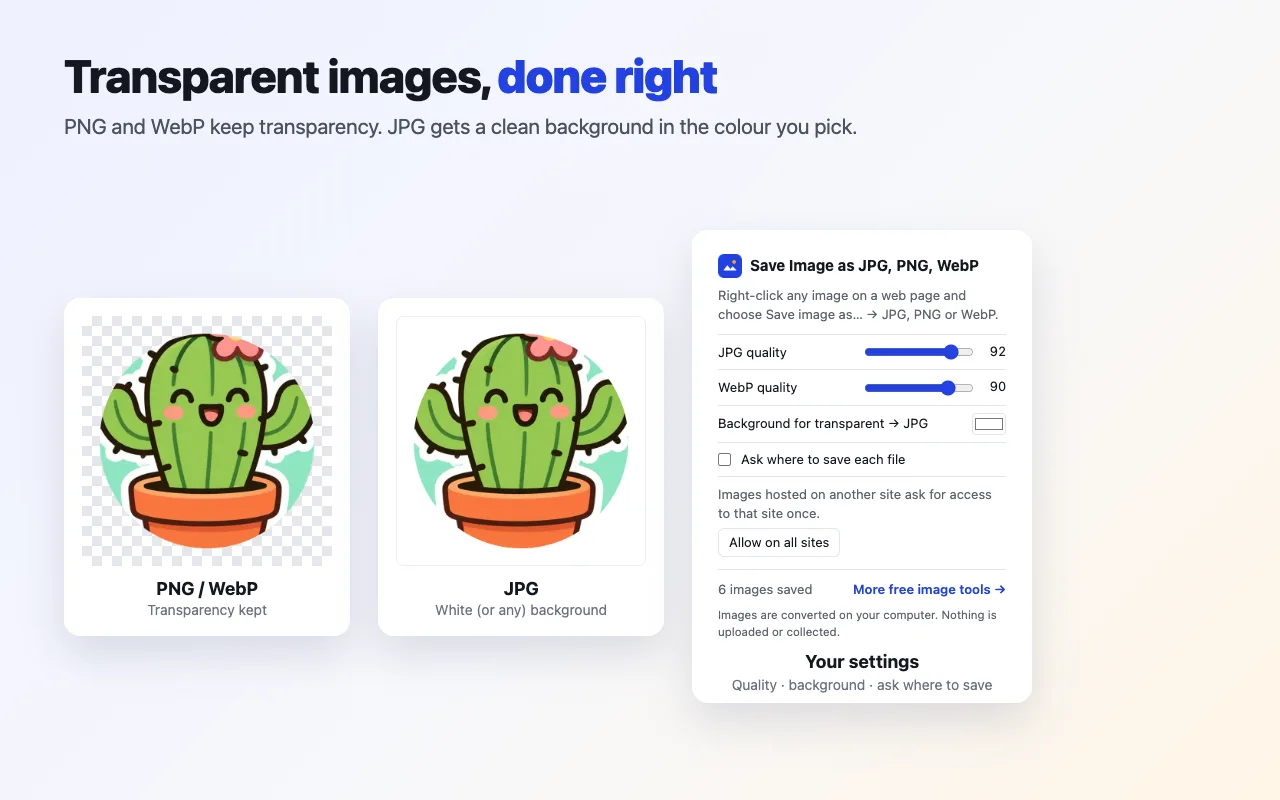
PNG and WebP keep transparency; WebP makes files smaller.
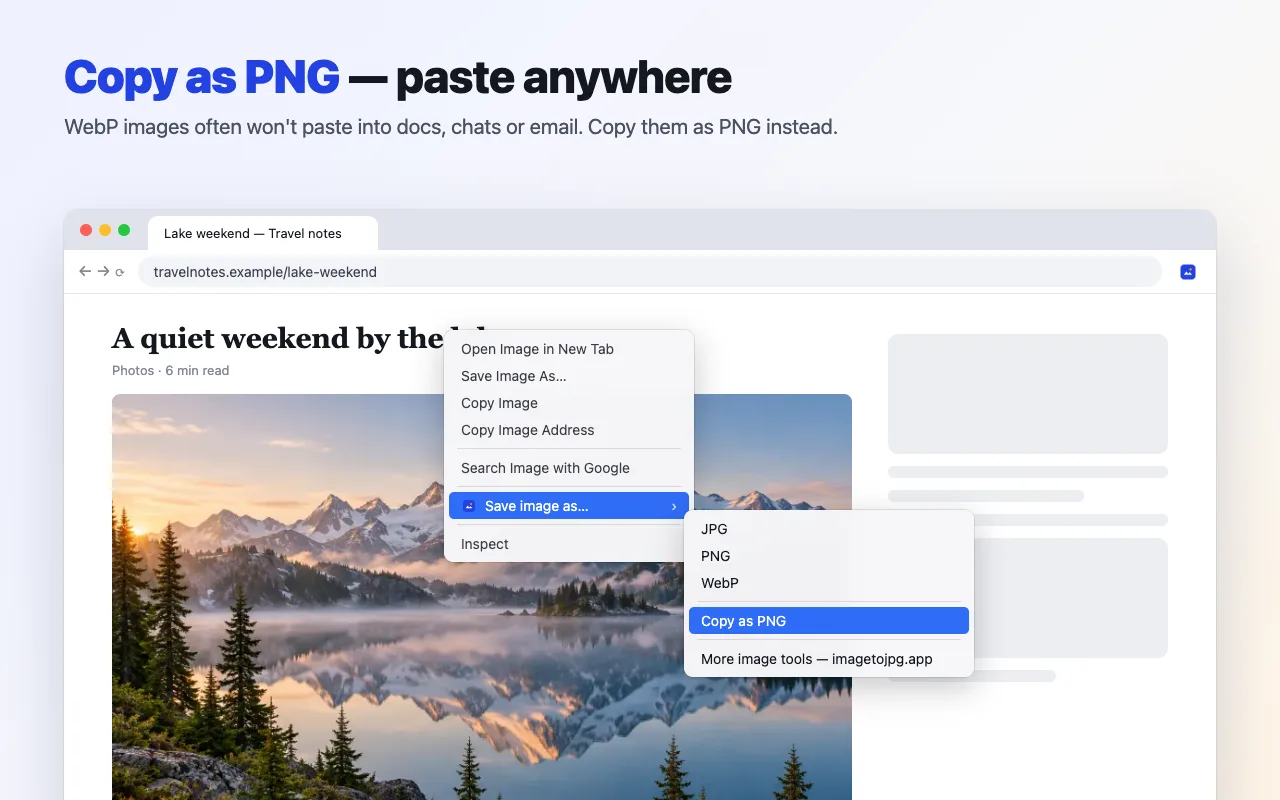
Copy as PNG
Paste images into docs, chats and email even when the site serves WebP.
Your settings
JPG and WebP quality, the background colour for transparent images, and an optional “ask where to save each file”.
Private
Images are converted on your computer. Nothing is uploaded and no data is collected.
6 languages
English, Deutsch, Français, Español, Italiano and Português.
Screenshots
Permissions and privacy
The extension does not ask to “read and change all your data” at install. It adds a right-click menu, saves files with Chrome's downloads, and only reads the image you clicked. Images hosted on another site need access to that one site, which Chrome asks you for the first time. Settings are stored in Chrome sync storage; nothing else is kept and nothing is sent anywhere. Details are in the privacy policy.
Need more than a format change? HEIC to JPG, compress to a target size and resize run free on imagetojpg.app.
Frequently asked questions
How do I save a WebP image as JPG in Chrome?
Install the extension, right-click the image and choose Save image as… → JPG. The image is converted on your computer and saved to your Downloads folder with its original name. Without an extension, download the WebP and convert it on imagetojpg.app.
Is the extension free?
Yes. It is free with no account, no limits and no ads.
Are my images uploaded?
No. The extension fetches the image you right-clicked and re-encodes it locally with the browser's own image decoder. It has no server and collects no data.
Why does it ask for permission on some sites?
Chrome only lets an extension read images from the page you are on. When the image is hosted on another site (a CDN, for example), the extension asks for access to that one site the first time. You can also allow all sites once from the toolbar popup.
What happens to transparent images saved as JPG?
JPG has no transparency, so transparent areas are filled with a background colour — white by default; you can pick any colour in the popup. PNG and WebP keep transparency.
Which browsers does it work in?
Chrome 116 or later, and Chromium browsers that install from the Chrome Web Store, such as Edge, Brave and Opera.
Updated · By the imagetojpg.app team