How to compress a GIF
- Choose, drop or paste GIF files — one or a whole folder's worth. A sample GIF loads first so you can try it.
- Pick Light (best quality), Balanced (recommended) or Strong (smallest). Or choose “Fit a size” and tap 10 MB, 5 MB, 2 MB, 1 MB, 500 KB, 256 KB or type your own KB limit.
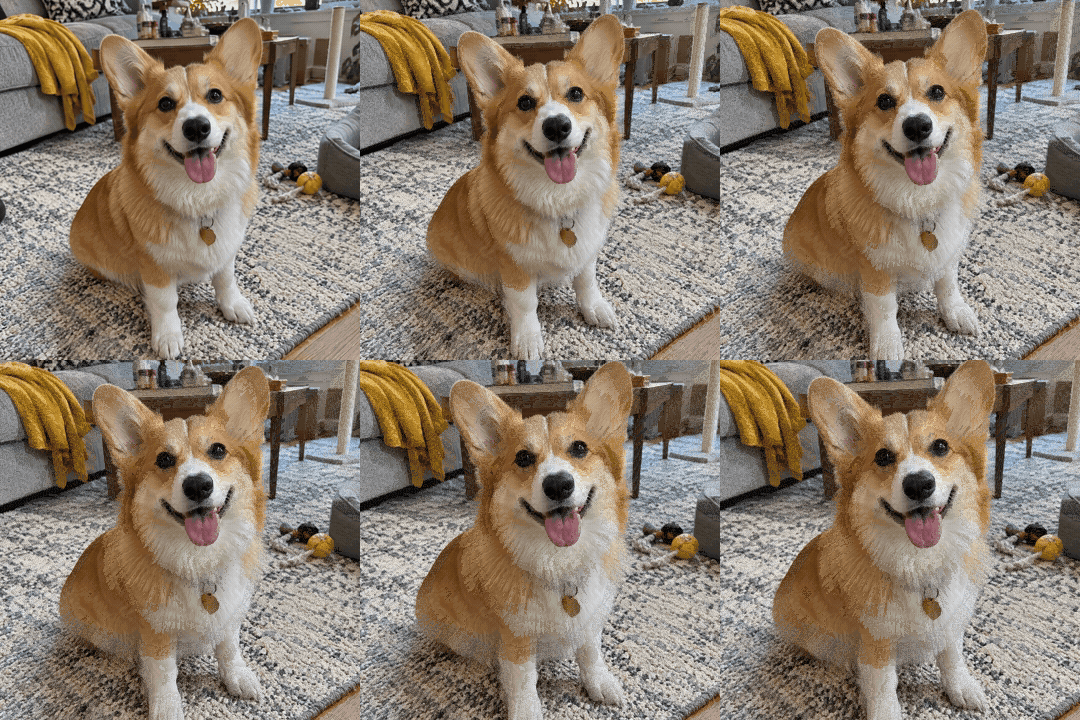
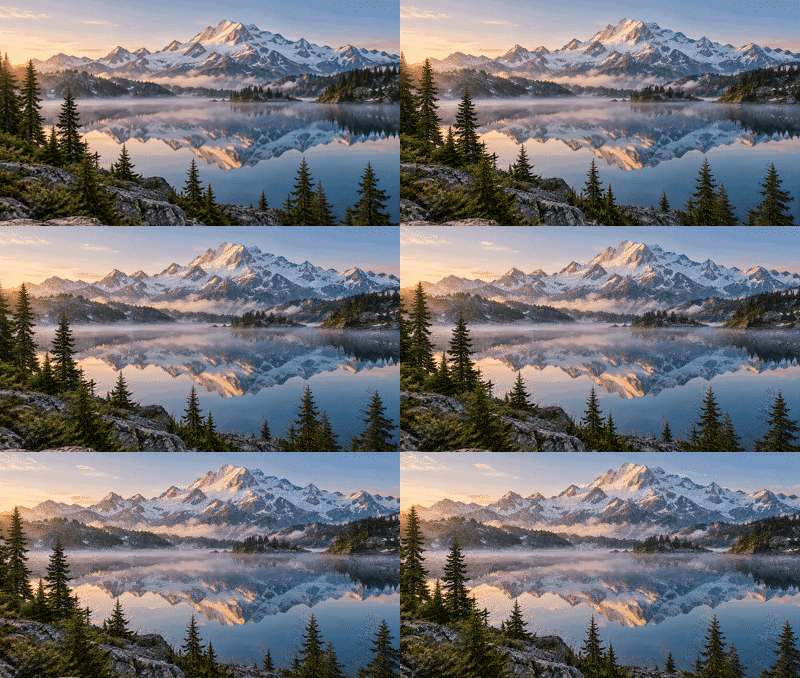
- Watch the result play next to the original. Fine-tune with the Lossy and Colours sliders, or open “Drop frames, shrink size”.
- Press Download GIF, or download all of them as one ZIP.
How GIF compression works
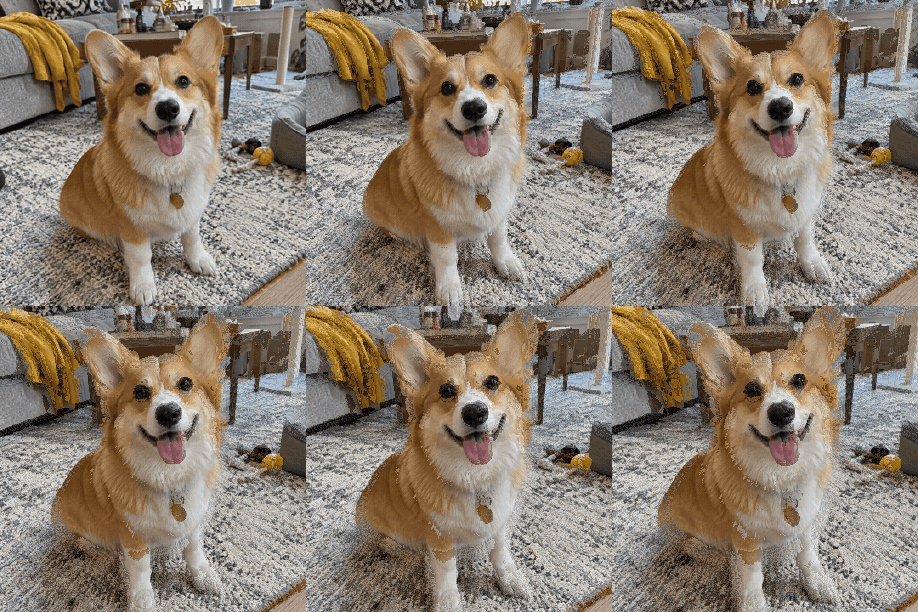
A GIF stores every frame as a grid of colour numbers, picked from a palette of up to 256 colours, then packs the numbers with LZW — a lossless method that shrinks long runs of the same value. So a GIF gets smaller when each frame has fewer different numbers to store. This compressor does that in three ways. Lossy: pixels that are the same, or nearly the same, as in the previous frame are made transparent, so only the moving part of each frame is stored; the Lossy slider sets how different a pixel may be and still count as unchanged. Colours: one shared palette is built for the whole animation, and fewer colours means longer runs. Frames: dropping every 2nd frame halves the data, and the delays are added together so the GIF plays for exactly as long as before. Resizing to 75% removes almost half the pixels. All of it runs in your browser, in a background worker, so big GIFs don't freeze the page.
Facts at a glance
| Question | Answer |
|---|---|
| Price | Free — no credits, no watermark |
| Sign-up | Not needed |
| Upload | None — GIFs are compressed in your browser |
| File size limit | No fixed cap; very large GIFs (over about 120 million pixels across all frames) are refused because a browser tab runs out of memory |
| Batch | Yes — any number of GIFs, download one by one or as a ZIP |
| Methods | Lossy (frame-difference), colour reduction 2–256, drop every 2nd or 3rd frame, resize to 75 / 50 / 33% |
| Target size | 10 MB, 5 MB, 2 MB, 1 MB, 500 KB, 256 KB or any KB you type |
| Kept | Animation, frame timing, loop setting and transparency |
| Typical saving | 50–85% on photo and video GIFs with Balanced; see the measured examples below |
Which setting to use
| You need | Choose | What changes |
|---|---|---|
| A smaller GIF that looks the same | Light | Near-identical pixels merged, full 256 colours |
| Best size for the quality (most people) | Balanced | Lossy 40, 128 colours |
| As small as possible, still smooth | Strong | Every 2nd frame dropped, 64 colours, 75% size |
| Under a Discord upload or emoji limit | Fit a size → 10 MB, or 256 KB for an emoji | Squeezes step by step until it fits |
| Under an email or forum attachment limit | Fit a size → 2 MB or 1 MB | Same, with the limit you set |
| A screen recording or UI demo | Light or Balanced | Still areas compress to almost nothing already |
If a GIF still won't fit, the biggest single lever is its pixel size: half the width is a quarter of the pixels. Shorter loops help too — cut the clip before you turn it into a GIF.
GIF compressors compared
| Feature | This page | FreeConvert | ezgif | Pi7 GIF Compressor |
|---|---|---|---|---|
| Where the GIF is processed | In your browser — never uploaded | Uploaded to a server (deleted after 8 hours) | Uploaded by default (deleted after 1 hour); “Local processing” tick box | In your browser |
| File size limit | No fixed cap | 1 GB, more after sign-up | 200 MB | Not stated |
| Lossy / colours / drop frames | Yes / 2–256 / every 2nd or 3rd | Level / yes / yes | Yes / yes / every 2nd–4th | Yes / yes / yes |
| Fit under a target size | Yes — any MB or KB | No | Separate page | Discord presets |
| Batch + ZIP | Yes | Not stated | Separate bulk tool | Not stated |
| Before / after preview | Side by side, both playing | No | After upload | Yes |
| Ads | None | Yes | Yes | Yes |
Competitor details are as shown on their own pages on 5 November 2026; tools change, so check before you rely on a feature.
Good to know
- GIF is an old format: the same animation as an animated WebP is usually much smaller, and most browsers, Discord and WhatsApp play WebP. Use the GIF to WebP converter when the place you post accepts it.
- Compressing an already-compressed GIF again gains little. Start from the original if you have it.
- GIFs made from photos or videos shrink the most; flat cartoons and screen recordings are often small already.
- The compressor never makes a GIF bigger on purpose — if the result is larger, keep your original.
Frequently asked questions
How do I compress a GIF without losing quality?
Choose Light. It only merges pixels that barely change between frames and keeps all 256 colours, so the GIF looks the same and is typically 20–50% smaller.
How do I get a GIF under 10 MB for Discord?
Choose “Fit a size”, tap 10 MB and download. The compressor tries stronger settings one by one — lossy, fewer colours, fewer frames, smaller size — and stops at the first one that fits. Use 256 KB for a custom emoji.
Is my GIF uploaded anywhere?
No. It's decoded and re-encoded in your browser, in a background worker. Nothing is sent to a server, so private GIFs stay private.
Is there a file size limit?
There's no fixed limit. The practical limit is your browser's memory: GIFs over roughly 120 million pixels across all frames (for example 1000×1000 with 120 frames) are refused with a message.
Can I compress many GIFs at once?
Yes. Choose or drop as many as you like; the same settings apply to all, and “All (ZIP)” downloads every result in one file.
What does the Lossy slider do?
It sets how different a pixel may be from the previous frame and still be treated as unchanged. Unchanged pixels are stored as transparent, which costs almost nothing. Higher values give smaller files but can leave faint trails on moving parts.
Does dropping frames make the GIF play faster?
No. When a frame is dropped its display time is added to the frame before it, so the GIF lasts exactly as long; it just moves a little less smoothly.
Will transparency be kept?
Yes. Transparent pixels stay transparent. For GIFs with transparency, frame-difference compression is turned off so edges don't leave ghosts, which means the saving comes from colours and frames.
Why is my compressed GIF bigger?
That happens with small, already-optimised GIFs (for example cartoons with a few colours). Keep your original, or try Strong or a smaller size.
Does it work on iPhone and Android?
Yes, in Safari or Chrome. Save the GIF to Files or Photos after downloading.
Updated · By the imagetojpg.app team